
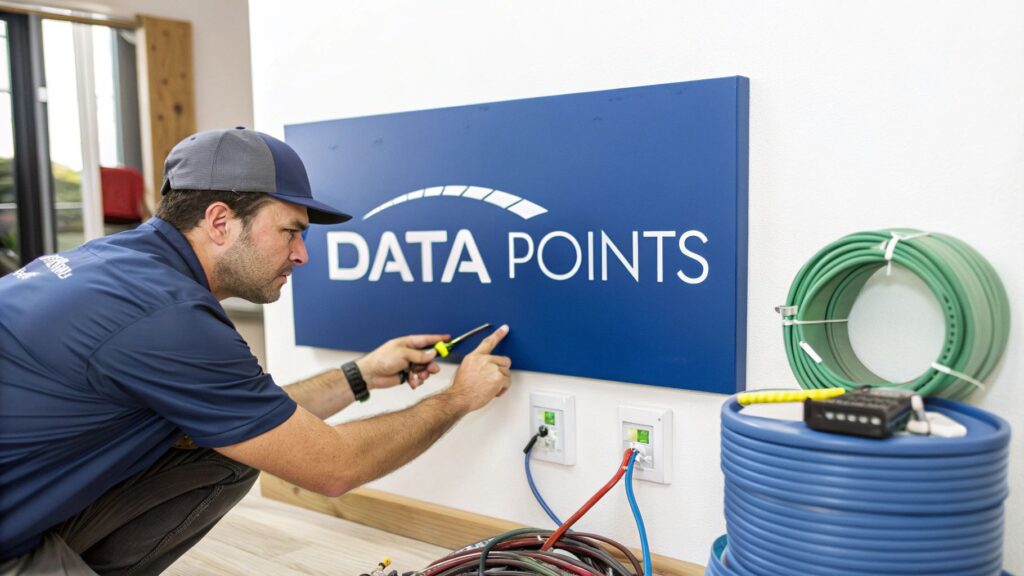
Has your screen ever frozen solid right in the middle of a crucial Zoom call? Or maybe the Netflix buffering wheel has become your family's unofficial mascot? It’s a classic sign of dodgy Wi-Fi, and trust me, you're not alone. The ultimate fix for that dreaded digital lag is a professional data points installation, giving you a direct, bulletproof link to your internet.
Why Your Wi-Fi Is Letting You Down
We've all been there. You're trying to stream the footy final, and just as the winning try is about to be scored, the picture dissolves into a pixelated mess. It’s beyond frustrating. While Wi-Fi is fantastic for casually scrolling through Insta on your phone, it often falls short for your more demanding devices.
Think of your Wi-Fi signal like a radio broadcast. It has to push through walls, floors, and even navigate past the neighbour's microwave doing a number on a frozen pie. With every obstacle, the signal gets weaker and more jumbled. This is exactly why you end up with those annoying dead spots and connection dropouts, especially in larger homes or older places with those classic double-brick walls.
The Hardwired Advantage
A data point, on the other hand, is like your own private super-highway straight to the modem. It’s a physical network socket on your wall—just like a power point—that you plug an Ethernet cable into. This simple setup creates a direct, wired connection for your most critical gadgets.
The difference is night and day.
- Blazing Speed: A wired connection consistently outperforms Wi-Fi, letting you tap into the full speed you’re actually paying for with your NBN plan.
- Rock-Solid Stability: Say goodbye to lag and buffering. Your connection won't drop out during crucial video calls or intense online gaming sessions.
- Less Congestion: When you move your heavy-hitting devices (think smart TV, gaming console, and work computer) to a wired connection, you free up the Wi-Fi bandwidth for your phones and tablets. Everything just runs smoother.
I remember a café owner in Newcastle who was getting hammered with bad reviews because their customer Wi-Fi was a nightmare. We installed a few strategically placed data points for their main payment system and a couple of wireless access points. Overnight, their connection issues vanished, and the staff could finally stop apologising for a network they couldn't control.
A stable connection is also a more secure one. Wireless networks can be vulnerable to outside interference, but a hardwired setup is far more difficult to compromise. If you're keen to bolster your digital defences, you can learn more about how to secure your Wi-Fi network in our detailed guide—it's the perfect next step after getting your physical connections sorted.
Planning Your Network Cabling Like a Pro
Right then, before you even think about drilling a hole or running a single cable, let's talk strategy. A proper data points installation isn’t about brute force; it’s about having a clever blueprint. This is what separates a seamless, future-proofed network from a tangled mess of extension cords and Wi-Fi extenders that never quite work.
Imagine you’re building a new place on the Central Coast or renovating a classic terrace in North Sydney. You wouldn't just chuck power points on walls at random, would you? The same logic applies here. You need to map out your digital life, not just for today, but for the next five years.
Where Should Data Points Actually Go?
First, think about where your data-hungry devices live. The obvious spots are the home office for your work computer and the living room for the smart TV and gaming console. But what about the less obvious places?
- The Kitchen: Modern smart fridges, ovens, and even coffee machines are all getting online.
- The Kids' Rooms: Essential for their computers, gaming consoles, and streaming devices.
- Outdoor Entertaining Area: Perfect for a weatherproof wireless access point to get solid Wi-Fi by the barbie.
- Security Camera Locations: A dedicated data point ensures your CCTV cameras have a reliable, high-quality connection that won't drop out.
The goal is to place a socket where a device with a permanent home will live. This keeps your Wi-Fi network free for the things that actually move, like your phone and laptop.
Planning for the future is everything. A client in Hornsby was adamant they only needed two data points. Six months later, after buying a new gaming PC and a smart TV for the bedroom, they were calling us back. It’s always cheaper and less hassle to install a few extra points during the initial job.
This forward-thinking approach is critical. The demand for reliable, high-speed data is exploding. In fact, the Australian data centre construction market is set to be worth over $11 billion AUD in 2025, with Sydney being the epicentre of this growth. You can explore the full research on Australia's data centre market to see just how big this is getting.
Choosing the Right Cable for the Job
Once you know where the points are going, you need to decide what's happening inside the walls. The cable you choose is the backbone of your network, and it directly impacts the speed and reliability you'll get from your NBN connection.
For most residential and small business data cabling installation projects, it usually comes down to Cat6 or Cat6a cable. They look similar, but they have some key differences that are worth knowing about before you commit.
Choosing Your Weapon: Cat6 vs. Cat6a Cable
Here’s a simple breakdown of the most common data cables to help you decide what's best for your home or office.
| Feature | Cat6 Cable | Cat6a Cable | Best For |
|---|---|---|---|
| Max Speed | 10 Gbps up to 55 metres | 10 Gbps up to 100 metres | Cat6a for longer runs or if you want to guarantee top speeds throughout a larger property. |
| Bandwidth | 250 MHz | 500 MHz | Cat6a handles more data simultaneously, which is great for busy networks with lots of devices. |
| Cost | More affordable | More expensive (thicker, more copper) | Cat6 is perfect for standard home use where budget is a key factor. |
| Installation | Thinner and more flexible, easier to run. | Thicker and stiffer, can be tricky in tight spots. | Cat6 is often quicker and easier for the sparky to install, potentially saving on labour costs. |
Ultimately, making the right choice now ensures you won’t have to rip open your walls in a few years to upgrade. Our complete guide to data cabling installation breaks down the process even further if you want to dive deeper.
A solid plan and the right materials are the foundation of a network that just works, letting you get on with what's important.
Running Wires Without Wrecking Your Walls
Now for the part that often makes people nervous: getting the cables from point A to point B inside your walls. It sounds messy, but a proper data points installation is more about surgical precision than demolition. A pro knows all the tricks of the trade to fish wires through wall cavities, ceilings, and under floors with minimal fuss.
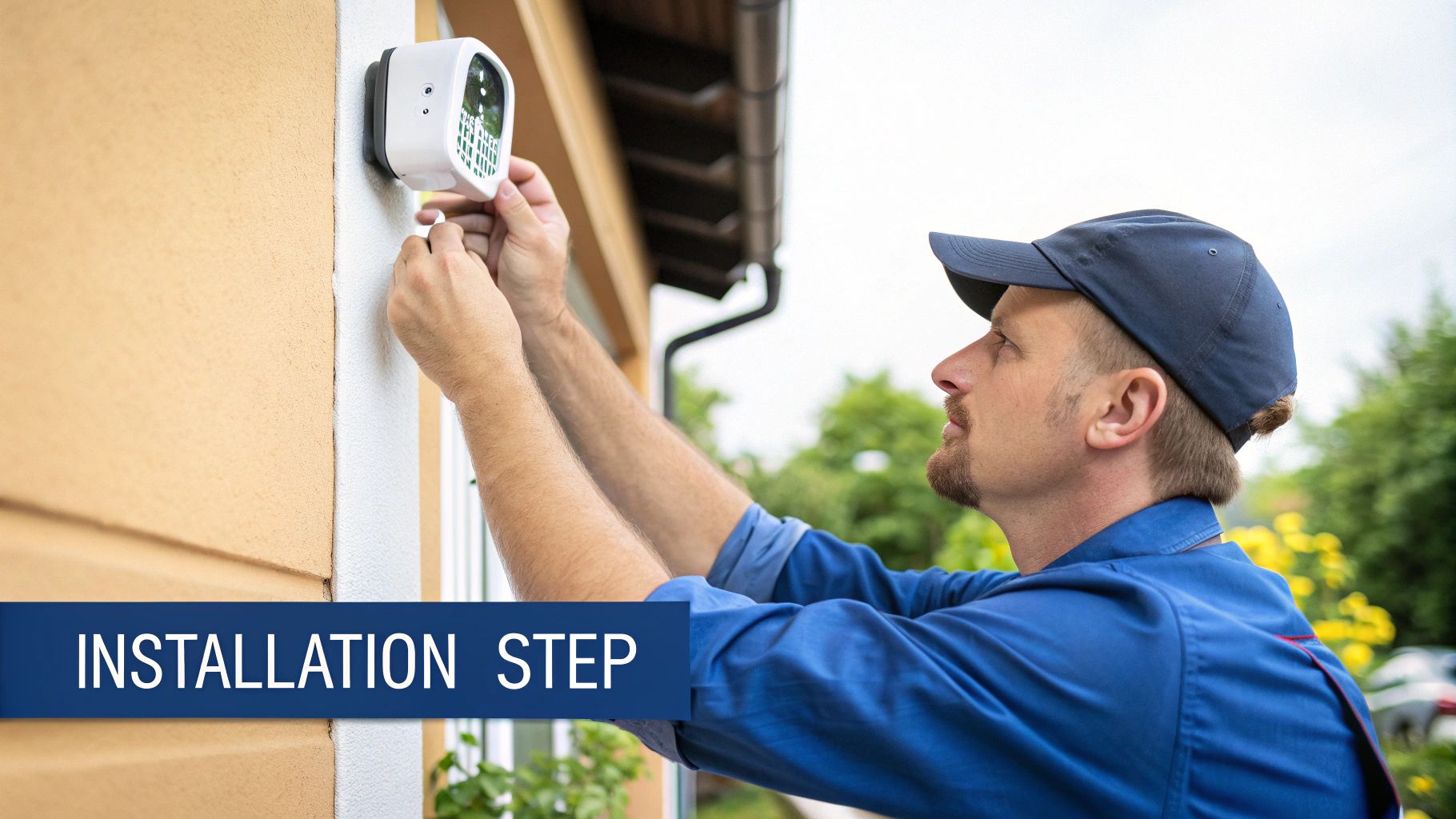
I’ll never forget a job we did in a heritage-listed terrace in The Rocks. The place was beautiful, but the walls were ancient lathe and plaster—not exactly forgiving. The owner wanted a modern network without a single ugly cable in sight. It was a proper challenge, involving long, flexible drill bits, magnetic pullers, and a whole lot of patience, but we got it done without leaving so much as a scratch.
That’s the difference between a professional job and a DIY attempt that ends in tears and a call to a plasterer. It’s all about knowing how to work with the building, not against it.
Avoiding Rookie Mistakes
When you’re running data cables, a few simple rules separate a flawless connection from a frustratingly slow one. Getting these wrong is a classic rookie error we see all the time.
- Keep Your Distance from Power: Never, ever run your data cables parallel and right next to electrical wiring. The electromagnetic interference (EMI) from the power lines can wreak havoc on your data signal, causing dropouts and slow speeds. This is hands-down the number one cause of "mystery" network problems.
- Leave a Little Slack: Don't pull the cable so tight that there’s nothing to work with at the ends. You always want to leave a "service loop"—a small coil of extra cable—in the wall cavity behind the outlet. Trust me, you'll thank yourself later when you need to do repairs or upgrades.
- Don't Bend It Like Beckham: Ethernet cables have a minimum bend radius. Kinking or sharply bending the cable can damage the delicate twisted pairs inside, killing your connection speed. Think gentle, sweeping curves, not sharp right angles.
A clean installation isn't just about hiding wires; it’s about protecting them. Using conduits (plastic piping) to shield cables in busy wall cavities and finishing with proper, flush-mounted wall plates gives you a professional look that also safeguards your investment for years to come.
The Problem with Signal Boosters
Some people try to sidestep the cabling process altogether by using Wi-Fi extenders. While they might seem like an easy fix, they often create more problems than they solve. They usually work by cutting your available bandwidth in half, creating a less reliable network overall.
If you’re weighing up your options, understanding the difference between a Wi-Fi extender vs a mesh network is a great starting point. But at the end of the day, neither can truly match the raw speed and rock-solid stability of a direct, hardwired data point.
Terminating and Testing for a Perfect Connection
Alright, so the hard part’s over—the cables are all neatly tucked away inside the walls. Now we get to the pointy end of the job, the part that really separates a professional data point installation from a weekend DIY attempt that's doomed to fail. This is all about termination, and it's where a steady hand and a bit of experience really pay off.
Think of it this way: you've laid all the plumbing pipes, but now you need to fit the taps perfectly so the water flows without a single leak. Botch this stage, and you're in for a world of frustration with slow, unreliable, or completely dead connections. It’s the number one reason home-run cabling jobs go wrong.
The Art of the Punch Down
First things first, we need to prep the cable. This means carefully stripping back the outer jacket to reveal the eight colour-coded wires nestled inside. These wires are twisted into four pairs, and it's absolutely crucial to keep them twisted as close to the termination point as you possibly can. That twist is what helps prevent signal interference and keeps your connection clean.
Next, we lay them out in the right order. Here in Australia, the standard we live by is called T568B. It’s essentially a colour-coded recipe that dictates exactly which wire goes into which slot on the wall jack or patch panel. Getting this sequence right isn't optional—it's everything.
Once the wires are fanned out and aligned, it’s time for the "punch down." Using a special punch-down tool, each wire is firmly pushed into its slot on the jack. This single action slices through the insulation to create a solid electrical connection and snips off the excess wire in one go. It’s a seriously satisfying ‘click’ that tells you the connection is solid.
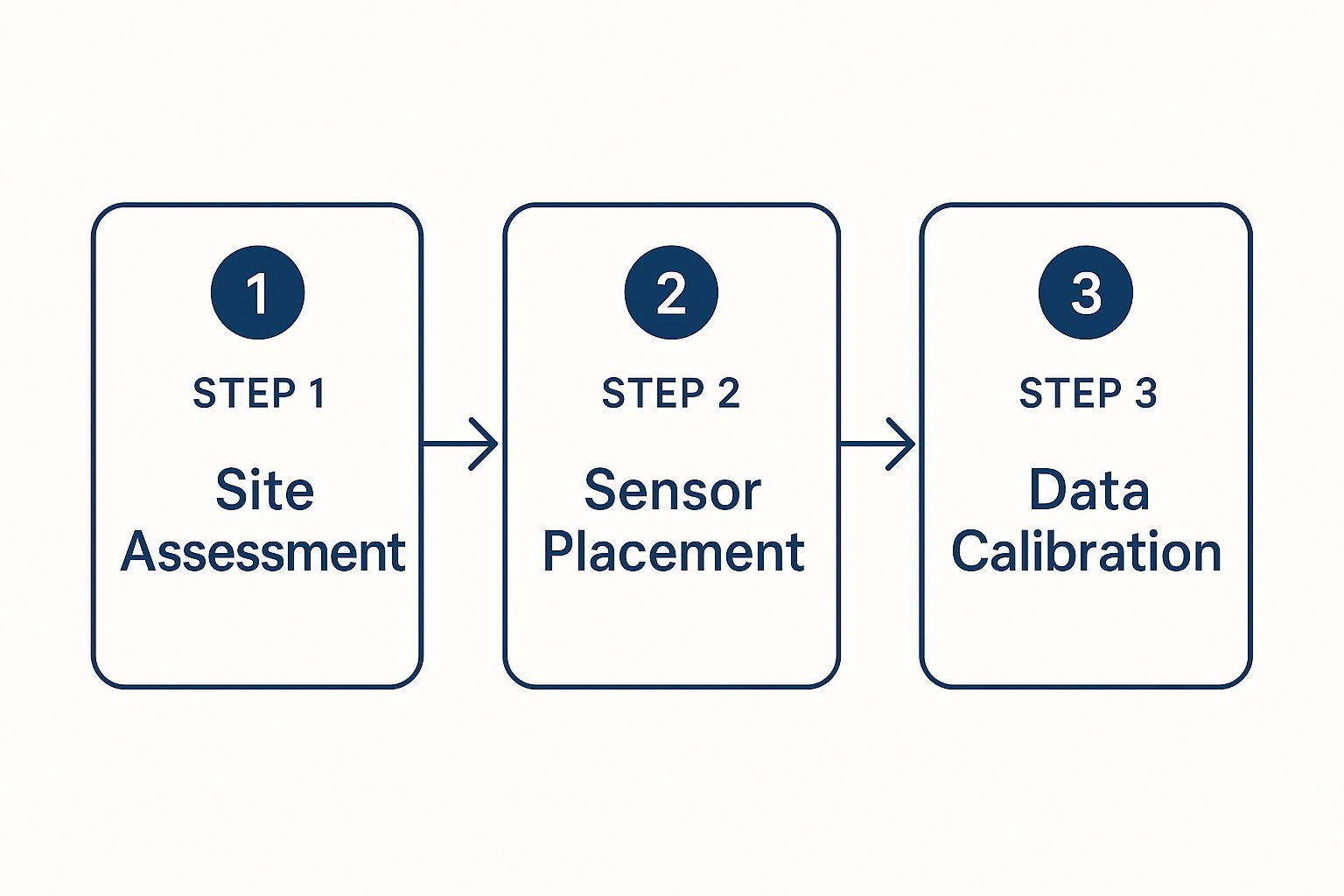
Following a structured process like this ensures every little detail, from the initial cable run to the final precise termination, is handled correctly for the best possible performance.
Don't Skip the Test
Now for the step that almost every amateur skips: testing. It's easy to think, "It's plugged in, it must be working, right?" Not so fast. Just one poorly connected wire out of the eight can slash your speeds or cause those maddening intermittent dropouts that will have you tearing your hair out.
This is where a network cable tester becomes our best mate on the job. This handy bit of kit sends a signal down each of the eight individual wires, confirming they’re all connected properly and, most importantly, in the right order.
- Pinpoint Failures: A tester will immediately flag if there’s a break, a short circuit, or if you’ve accidentally mixed up the colour sequence.
- Guarantee Full Speed: A clean "pass" on the tester means all eight wires have a perfect connection. This is how you know you're getting the full gigabit speeds your Cat6 cable is designed for.
- Peace of Mind: It’s the final quality check that proves the job was done right, saving you the headache of troubleshooting a dodgy connection weeks or months down the track.
A "pass" on the tester is the final seal of approval. It’s the difference between hoping your network is fast and knowing it is. It means you’re all set for lightning-fast, reliable internet for years to come.
This commitment to quality is what defines a professional job, whether we're installing a single data point for a home office or wiring up an entire commercial building. Getting the foundations right is more critical than ever, especially as Australia's digital reliance grows. The data networking market here is projected to hit $578.9 million AUD by 2033, a huge jump driven by the explosion of IoT devices and cloud-based business tools.
Properly terminating and testing is the final, crucial step in the process. To see how this fits into the bigger picture of getting your home or office wired up, take a look at our complete guide on home networking installation services.
Why You Need a Licensed Cabler in Australia
So, you've mapped out where your data points need to go, you've got your cables picked out, and you're feeling pretty handy. It's tempting to think you can just pop down to Bunnings, grab some tools, and tackle the data points installation yourself to save a few dollars.
Before you go any further, just hold that thought.
Here in Australia, the law is completely unambiguous: any permanent cabling for data, phones, or security systems has to be installed by a licensed and registered cabler. This isn't just some bit of bureaucratic red tape; it's a critical rule for safety and network performance.
The governing body for this is the Australian Communications and Media Authority (ACMA). They're the ones who issue the Open Registration Licences that every professional cabler must have on them. It’s basically a driver's licence for your home or office network.
It's More Than Just Plugging Things In
Getting an unlicensed person to do the work—or even having a go yourself—can open a serious can of worms. A botched job often means you're left with a dodgy, unreliable internet connection. But at its worst, it can create a genuine electrical hazard, especially if data cables are run too close to power lines without the right separation.
We once had to fix a DIY job in a small office near Gosford where the owner tried to wire up his own network. He’d created so much signal interference that not only was his internet crawling, but his EFTPOS machine kept failing mid-transaction. The few hundred dollars he thought he was saving cost him thousands in lost sales and the final repair bill.
Beyond the performance headaches, you've also got to think about your insurance. If an electrical fault or even a fire is traced back to non-compliant cabling, your insurance company could have solid grounds to deny your claim entirely. That's a huge gamble for a very small saving.
This kind of strict compliance isn't just for homes and businesses. Australia takes data management seriously at every level. The government's own DATA Scheme, for instance, sets out how official agencies share information securely for everything from infrastructure planning to housing studies. You can read more about these national data protocols to see just how important properly structured data is.
When it comes down to it, hiring a licensed professional for your data points installation is the only way to ensure your network is fast, safe, and up to code. This ties into your overall home safety too—if you're also thinking about wiring for surveillance, take a look at our guide on planning security and CCTV systems.
Got Questions About Data Point Installation? We've Got Answers
Still have a few things you're wondering about? Don't worry, that's completely normal. We've put together some of the most common questions we get from our customers across Sydney, Newcastle, and the Central Coast to give you some straight-up, practical answers.
So, How Many Data Points Do I Actually Need?
That's the million-dollar question, isn't it? A great place to start is to plan for at least one data point in every room where a major, stationary device lives. We’re talking about the home office for your PC, the living room for the smart TV and gaming console, and maybe even the main bedroom.
Here’s a tip from experience: it’s always cheaper and way less disruptive to install a few extra points during the initial job. Adding more later down the track is a much bigger project and will definitely cost you more. A little bit of future-proofing now saves a lot of headaches later.
Is a Hardwired Connection Really That Much Better Than Wi-Fi?
Look, Wi-Fi is fantastic for convenience—we all love it. But when you need pure, unadulterated speed, reliability, and security, nothing comes close to a physical, hardwired connection.
When you're streaming the 4K footy, getting serious with online gaming, or transferring massive files for work, a direct connection through a data point is in a different league to Wi-Fi. It cuts out all the annoying lag and dropouts you get from signal interference, whether it's from your neighbour's network or just those solid brick walls.
Honestly, the ultimate setup is a mix of both. Use your hardwired data points for all the important, fixed devices and keep the Wi-Fi clear for your phones, tablets, and laptops. It’s the key to a fast, frustration-free network for everyone in the house.
What’s the Difference Between a Phone Point and a Data Point Anyway?
They might look pretty similar on the outside, but what’s behind the wall plate is completely different. An old-school phone point uses thin, basic wiring that was only ever meant to handle the tiny amount of information needed for a voice call. You can't just plug your laptop into one and hope for the best—it simply won't work.
A proper data point, however, uses high-performance structured cabling like Cat6. This cable has eight individual wires twisted into pairs, all designed specifically to carry huge amounts of data at incredible speeds. Think of it as the difference between a garden hose and a firefighter's hose.
Ready to get your home or office network performing at its absolute best? The team at Advanced Comtech has the local know-how to design and install a data point solution built for today's demands. Give us a buzz to get your property properly connected.





