
Let’s get straight to the point. The main difference is simple: a Wi-Fi extender is a cheap, easy fix for one or two dead spots, whereas a mesh system is a complete solution designed to blanket your entire property in seamless Wi-Fi. It really comes down to whether you need a quick patch for a single room or a total network overhaul.
Is Your Home Wi-Fi Doing Your Head In?
We’ve all been there. You’ve just settled into the back room of your Gosford home, ready to stream the Knights game, only to be met with the relentless, soul-crushing spin of the buffering wheel. Or maybe you’re on a vital Zoom call from the home office, and the connection drops just as you’re about to make a brilliant point.
Dodgy Wi-Fi is a classic Aussie problem. It’s especially true for those sprawling Central Coast homes with double-brick walls that seem to eat Wi-Fi signals for breakfast.
You’ve likely heard about Wi-Fi extenders and these newer mesh systems, but what’s the real difference? It’s a common point of confusion, one that leaves plenty of people staring blankly at the shelves in JB Hi-Fi. This guide is here to cut through the tech jargon and give you the straight-up facts.
The Wi-Fi Dead Zone Dilemma
Let’s be honest—the standard modem-router combo your NBN provider handed you often just isn’t up to the job. It works perfectly fine when you’re sitting right next to it, but the signal strength plummets the further away you get. This is what creates “dead zones”—those frustrating spots where your Wi-Fi is weak, unreliable, or completely non-existent.
For many families, this is more than just a small frustration. It’s the difference between a peaceful work-from-home day and a chaotic scramble for a stable connection. Getting this sorted is the key to a happy, connected household.
Choosing the right solution is a game-changer for everything from your Netflix binges to keeping your home network secure. After all, a strong, reliable signal is your first line of defence. If you’re interested, you can learn more about how to secure your wifi network in our detailed guide.
Quick Look: Extender vs. Mesh
Before we get into the nitty-gritty, here’s a simple breakdown of the two contenders. Think of it as a tale of two very different ways to solve the same annoying problem.
| Feature | Wi-Fi Extender | Mesh Wi-Fi System |
|---|---|---|
| Network Structure | Creates a separate, new network | Creates a single, unified network |
| Performance | Can cut Wi-Fi speeds in half | Maintains consistent high speeds |
| Coverage | Best for a single room or small area | Designed for whole-home coverage |
| Ease of Use | Manual switching between networks | Seamless, automatic connection |
The Old Faithful Wi-Fi Extender Explained
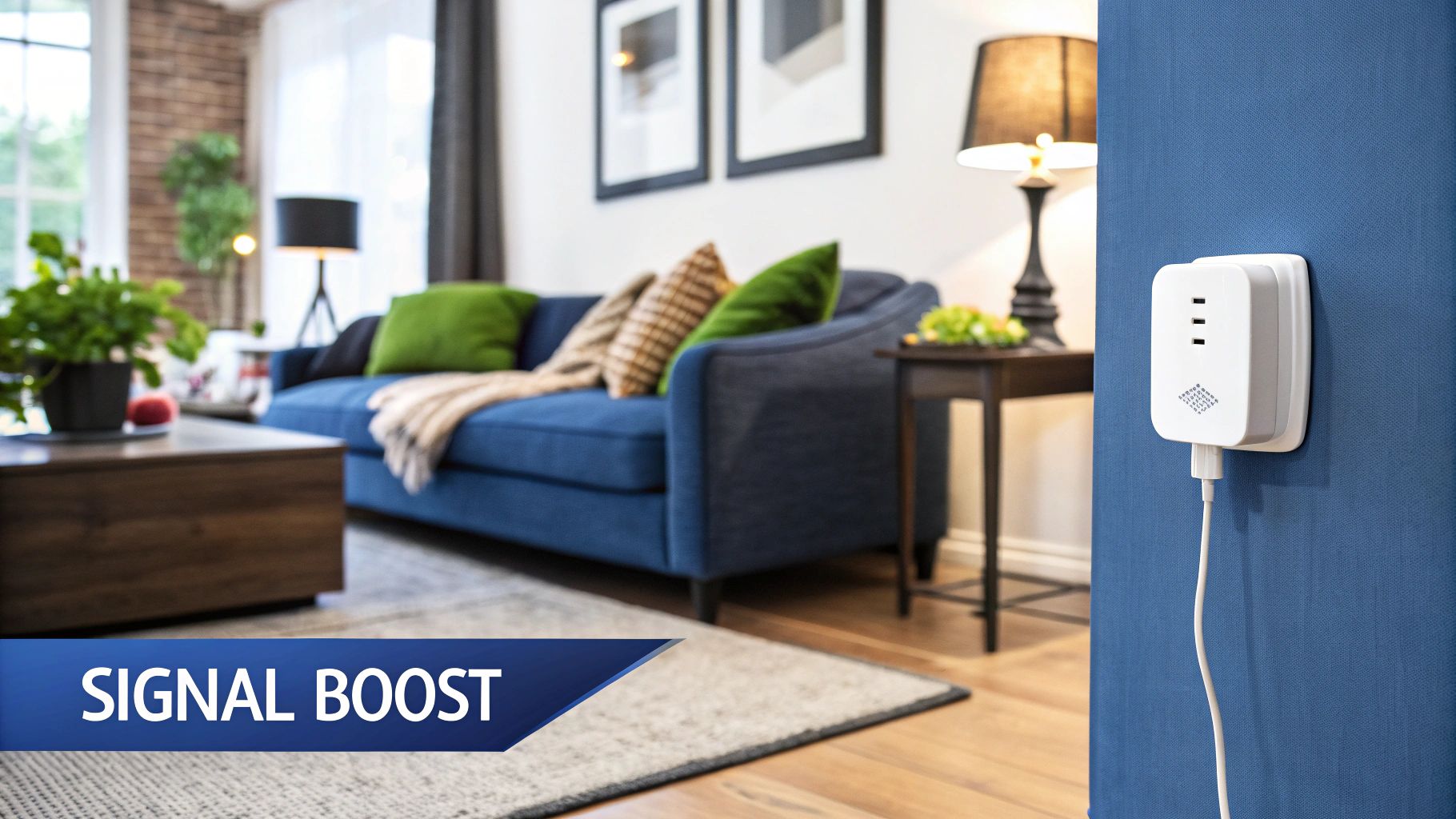
Alright, let’s start with the classic Wi-Fi extender. Think of it as a signal booster, a bit like a megaphone for your internet. It listens for your main router’s signal and then shouts it out again, pushing it just a bit further into those hard-to-reach corners of your home.
It’s a simple, and usually pretty cheap, way to solve a very specific problem. Imagine you’ve set up a home office in the back room, but the Wi-Fi signal is so dodgy that every Zoom call is a lottery. For a single, stubborn dead zone like that, an extender has long been the go-to quick fix.
How It Actually Works
So what’s happening under the hood? The extender picks up the wireless signal from your existing NBN router and then rebroadcasts it. The key thing here is that this process creates a brand-new, separate network.
For example, if your router’s network is called “CentralCoastNet,” the extender might create one named “CentralCoastNet_EXT.” This means your phone or laptop won’t seamlessly hop from one to the other as you move around. You’ll have to manually switch networks as you walk from the living room (covered by the router) to the back deck (covered by the extender). It can be a bit clumsy, but for a device that stays put, like a smart TV or a gaming console, it’s not really a problem.
The crucial thing to understand is that an extender doesn’t make your network stronger or smarter. It just takes the signal you already have and stretches its reach.
The Big Catch You Need to Know
While the low price tag and plug-and-play setup are definitely tempting, it’s important to be honest about the trade-offs. The biggest one? Speed.
Because an extender has to receive the signal and then send it out again using the same radio, it effectively cuts your available Wi-Fi speed in half. It’s a bit like making a photocopy of a photocopy; you lose a little bit of quality each time. This performance drop is a huge factor in the whole wifi extender vs mesh debate.
So, while an extender will give you a signal where you had none before, it’s going to be a noticeably slower one than what you get standing right next to your main router. You’re sacrificing speed for reach. The real question is, is that a compromise you’re willing to live with in your Central Coast home?
Meet the New Boss: Mesh Wi-Fi Systems
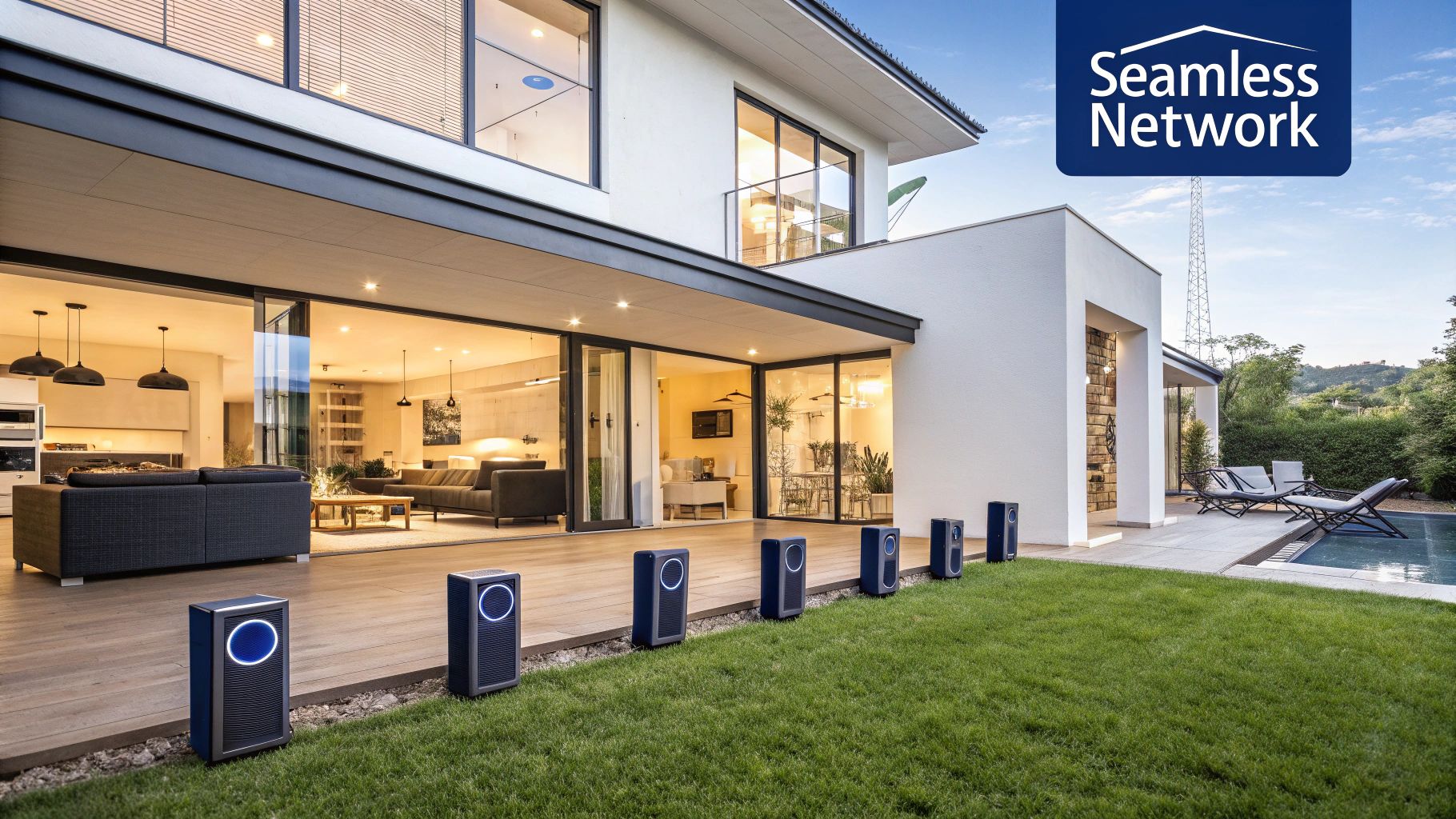
If a Wi-Fi extender is like one mate shouting across a crowded pub, a mesh system is a whole team of mates passing the message along intelligently. Instead of just one device trying to blast a signal everywhere, a mesh setup uses multiple ‘nodes’ that all talk to each other. Together, they blanket your entire house in a single, powerful Wi-Fi network.
Imagine wandering from your living room in Terrigal out to the backyard shed, streaming the footy on your phone without it ever dropping the connection. That’s the mesh promise. Your device automatically and seamlessly hops to the strongest node as you move. It’s a much smarter, more reliable solution designed for modern Aussie homes filled with smart TVs, laptops, and phones all fighting for a slice of the NBN pie.
The Magic of a Single Network
The biggest win with a mesh system, from your point of view, is its beautiful simplicity. Unlike an extender that often creates a clunky, separate network (you’ve probably seen “YourWi-Fi_EXT” before), a mesh system operates under a single network name (SSID). This is the secret sauce to its seamless performance.
You connect to it once, and that’s it. No more manually switching networks as you walk from one end of the house to the other. Your phone or laptop is smart enough to know which node is offering the best signal at any given moment and latches on without you even noticing. It’s the kind of ‘set and forget’ tech that just works.
How It Keeps Speeds High
So, how does it avoid the frustrating speed-halving problem that plagues extenders? Many quality mesh systems use a clever trick called a dedicated backhaul channel. Think of it as a private, super-fast lane on the M1, reserved just for the nodes to talk to each other.
While your devices use one channel to connect to the nearest node, the nodes use their own exclusive channel to send data back to the main router. This prevents congestion and ensures your connection speed stays zippy, even at the furthest point from your modem.
This dedicated backhaul is a massive point of difference in the wifi extender vs mesh debate, as it directly tackles the biggest performance drawback of older solutions. It’s no surprise that here in Australia, mesh systems are quickly becoming the go-to choice for reliable coverage.
Globally, mesh systems captured over 40% of the market share in 2024, driven by their ability to cover larger homes without the frustrating signal drop-offs common with extenders. This is a game-changer for typical Aussie houses, which average around 230 square metres—often just too big for a single router to handle on its own. You can dive deeper into these trends in this detailed industry report.
This intelligent, whole-home approach is exactly why mesh Wi-Fi is considered the premium solution for killing dead zones everywhere, for good.
The Head-to-Head Battle: Extender vs. Mesh
Alright, let’s put these two contenders in the ring for a proper showdown. Forget the complex tech jargon for a minute; this is the practical, no-fluff comparison that matters for your place, whether you’re in the Hunter Valley or Hornsby. We’re breaking down the wifi extender vs mesh battle into four key rounds to help you decide where to put your money.
Round 1: Performance and Speed
This is the big one. You’ve probably heard the rumour that an extender can butcher your NBN speeds, and honestly, it’s not far off the mark. A basic extender has to catch your router’s signal and then throw it out again using the same hardware, which often cuts your available speed by up to 50%. So, while you finally get a signal in that back room, it’s a much slower, weaker version of what you’re paying for.
A mesh system, on the other hand, is built for speed from the ground up. Its nodes are like a well-drilled footy team, passing the data between them seamlessly. Many use a dedicated ‘backhaul’ channel—a private highway just for the nodes to talk to each other—so the Wi-Fi your devices get stays fast and uninterrupted.
The single biggest performance difference is this: an extender stretches a weaker signal, while a mesh system maintains a strong, fast signal everywhere.
Round 2: Coverage Area
Think about the actual problem you’re trying to solve. Is it just one annoying dead spot in the granny flat, or is it the entire upstairs of your double-brick Newcastle home that’s letting you down?
An extender is a spot-fix. It’s designed to push the signal into one specific area, making it a targeted solution for a single problem room.
A mesh system is the opposite; it’s a whole-home solution. It’s designed to cover your entire property, from the front door to the back shed, with a consistent blanket of Wi-Fi. It completely replaces your router’s patchy coverage with a robust, property-wide network. If you’ve got a larger home, multiple floors, or an outdoor entertaining area you want covered, mesh is the clear winner here.
Take a look at this chart. It gives you a quick visual breakdown of the average cost, coverage, and speed you can expect from each option.
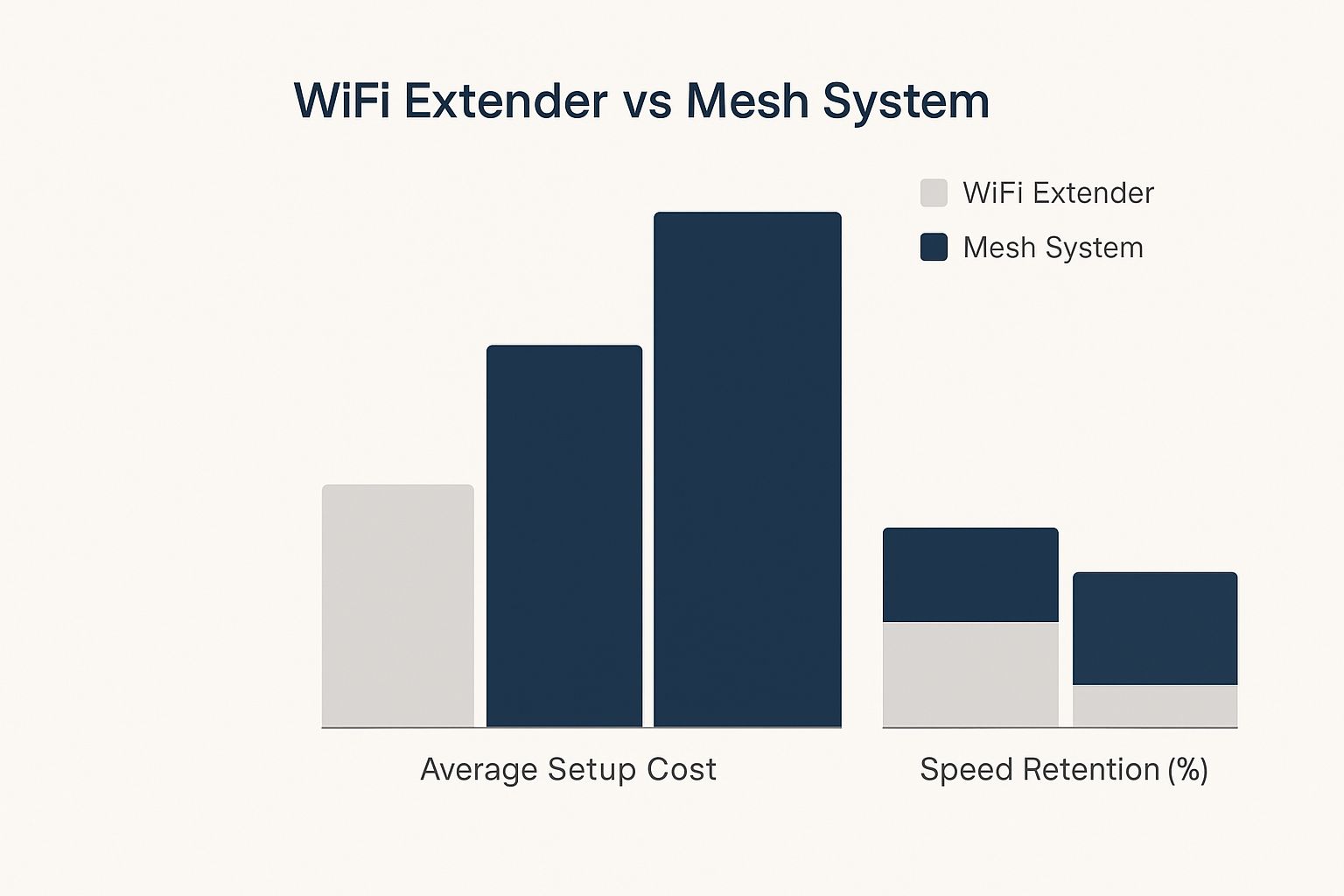
The data tells the story pretty clearly: while extenders are cheaper, mesh systems deliver far better coverage and maintain nearly all of your internet speed.
Round 3: Ease of Use
An extender is often sold as a simple ‘plug-and-play’ device, and to an extent, that’s true. You plug it in, connect it to your router, and you’re pretty much done. The catch? The user experience can be clunky. It creates a separate network (like “YourWi-Fi_EXT”), and your devices won’t automatically switch as you move around. You have to do it manually, which gets annoying fast.
Mesh systems are a dream to use. After the initial setup, which is usually guided by a slick smartphone app, you have one single network name for your whole house. Your phone, laptop, and tablet will automatically connect to the strongest node without you ever noticing. It just works.
For ease of use, it all comes down to seamlessness. Mesh offers a ‘set-and-forget’ experience, whereas an extender requires you to manually switch networks.
Round 4: The Cost
There’s no hiding it: this is where the extender lands a solid punch. You can pick one up for as little as $50. It’s a cheap and cheerful fix for a minor problem, and if your budget is tight, it’s a very tempting option.
A mesh system is a bigger investment. A good two or three-node kit will set you back a few hundred dollars. But you’re not just buying a signal booster; you’re buying a complete, modern Wi-Fi infrastructure for your home. It’s the difference between putting a bucket under a leak or getting a new roof. One is a cheap fix for now, the other is a long-term solution.
Quick Glance: Extender vs. Mesh Showdown
Still weighing it up? This table breaks down the key differences to help you see which one fits your Aussie home best.
| Feature | Wi-Fi Extender (The Simple Fix) | Mesh Wi-Fi System (The Whole-Home Solution) |
|---|---|---|
| Best For | Small homes or apartments with 1-2 specific dead zones. | Medium-to-large homes, multi-story houses, or properties with tricky layouts (like double-brick walls). |
| Network Name | Creates a separate network (e.g., “HomeWi-Fi_EXT”), requiring manual switching as you move. | Uses a single network name (SSID) for seamless roaming throughout your entire home. |
| Speed Impact | Can cut Wi-Fi speeds by 50% or more because it rebroadcasts the signal on the same channel. | Maintains close to 100% of your internet speed, often using a dedicated backhaul for node communication. |
| Typical Cost | Budget-friendly, often starting from $50 – $150. | A bigger investment, with starter kits (2-3 nodes) usually costing $300 – $800. |
| User Experience | Can be frustrating with dropped connections when moving around. A simple fix, but not seamless. | A true ‘set-and-forget’ experience. It works intelligently in the background without you noticing. |
Ultimately, the right choice really depends on the scale of your Wi-Fi problem. For a quick patch-up job, an extender might do the trick. For a reliable, whole-home solution that will last for years, a mesh system is the smarter long-term investment.
So, Which Wi-Fi Solution Should You Choose?
Theory is one thing, but let’s get down to brass tacks and figure out what’s actually going to work for your place, whether you’re on the Central Coast or up in Newcastle. The right call in the wifi extender vs mesh debate really boils down to your specific needs. By matching your situation to one of these common scenarios, you can pick the right bit of kit without blowing your budget.
Scenario 1: The Stockton Student Flat
Picture this: you’re in a two-bedroom rental in Stockton. The NBN router is stuck in the lounge room, but the Wi-Fi signal completely drops out by the time it gets to your bedroom down the hall. We’re not talking about a huge house here, just one pesky dead spot that turns your late-night TikTok scrolling into a buffering mess.
For this, a simple Wi-Fi extender is your best mate. It’s cheap, cheerful, and fixes that one specific problem with zero fuss. You just plug it in halfway, connect it, and suddenly you have a decent signal where there was none before. Problem solved for less than a night out.
Scenario 2: The Lake Macquarie Family Home
Now, let’s imagine a classic family home in Lake Macquarie. It’s a two-storey place with a nice backyard and a deck where you’d love to be able to work. Inside, the kids are streaming Bluey upstairs, your partner is gaming in the spare room, and you’re trying to join a video call from the kitchen. The single NBN router is probably having a meltdown.
This is exactly where a mesh Wi-Fi system shines. By placing a few nodes around the house, you get seamless, rock-solid coverage everywhere. The kids can stream upstairs without a single complaint, you can take that Zoom call out on the deck, and you can move from room to room without your connection ever dropping.
For a busy, multi-level family home with lots of devices, a mesh system isn’t just a luxury—it’s the key to keeping the peace and ensuring everyone gets the speeds they need.
Scenario 3: The Newcastle Small Business
Finally, think about a small café or an office on Darby Street. Here, reliable internet isn’t just a nice-to-have; it’s what keeps the business running. You need a solid connection for your EFTPOS machine, staff computers, and maybe you even offer free Wi-Fi to customers. Dropouts simply aren’t an option.
A mesh system is the clear winner for any small business. It delivers the robust, wall-to-wall coverage you need to keep everything online and operating smoothly. On top of that, the easy app-based management means you can keep an eye on your network without needing an IT degree.
This move towards more reliable home and business networks is a trend we’re seeing across the country. While about 28% of Australian households still relied on extenders to patch up dead zones last year, mesh adoption shot up by over 15% in the same timeframe. Mesh systems are just far better at delivering consistent broadband across larger areas, neatly sidestepping the speed-halving flaw of older extenders. You can dig deeper into these networking trends in this detailed market research.
Your Biggest Wi-Fi Questions, Answered
Alright, let’s cut through the noise and tackle those questions that always seem to pop up when you’re staring at a wall of networking gear. Making the right call between a Wi-Fi extender and a mesh system can feel a bit much, so here are some straight-up answers to what we hear most often from Central Coast locals.
Can I Use a Wi-Fi Extender with a Mesh System?
Technically, you can, but it’s a bit like putting cheap retreads on a performance car. It completely misses the point.
A mesh system is engineered to work as a single, intelligent unit. Dropping a basic extender into the mix just creates a clunky, separate network that doesn’t communicate with your mesh nodes. You end up with the same annoying connection drops and manual network switching you bought the mesh system to get away from. If you need more coverage, the right move is always to add another compatible node to the team.
How Many Mesh Nodes Do I Really Need?
For a typical single-storey, three-bedroom home on the Central Coast, a two-pack usually nails it. A good rule of thumb is to plan for one node for every 100-150 square metres.
Got a bigger two-storey place up in Newcastle? A three-pack is generally your best bet. You’ll want one connected to your NBN modem and another placed centrally on each floor to blanket the house in a strong signal. Just remember, those old double-brick walls are notorious signal killers, so you might need an extra node if your house is built like a fortress.
The real beauty of a mesh setup is its flexibility. You can always start with a two-pack and just add another node down the track if you discover a stubborn dead spot you missed.
Will a Mesh System Make My NBN Faster?
Let’s be clear on this one: no, a mesh system can’t magically boost the speed of your NBN plan. If you’re paying for a 50Mbps connection from your provider, that’s the maximum speed you’re going to get at the source.
What a mesh system does is make sure you get that speed reliably and consistently in every corner of your home. It gets rid of the frustrating slowdowns and dropouts that happen when the signal has to travel through walls and across the house. So while it won’t upgrade your NBN plan, it will absolutely make your internet feel faster because you can actually use the speeds you’re paying for, everywhere.
Ready to finally sort out your home’s Wi-Fi and kill those dead zones for good? The team at Advanced Comtech has the local knowledge and technical expertise to design and install the perfect home network solution for your Central Coast, Sydney, or Newcastle home. Get in touch with us today for a stress-free consultation!





