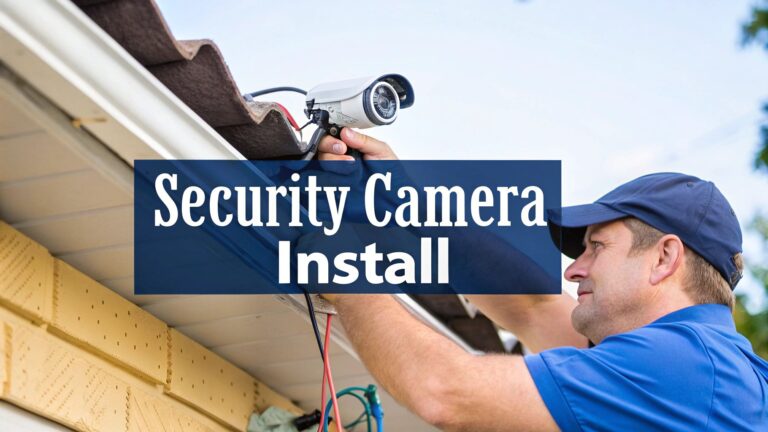
Alright, let's be real for a moment. Bringing up burglar alarms and security systems at the weekend barbie probably isn't your go-to conversation starter. But that feeling of knowing your home or business is properly protected? You can't put a price on that, especially when you hear that a break-in happens somewhere in Australia every three minutes.
This guide is here to walk you through modern security, but without all the confusing tech-speak.
Keeping Your Castle Safe in Modern Australia
Let me tell you about Dave. He’s got a small workshop up on the Central Coast. For ages, his entire security plan was a rusty padlock and one of those "beware of the dog" signs. The dog in question? A chihuahua. One Monday, he rocked up to work to find the lock snipped and thousands of dollars in tools missing. The police mentioned he was the third local business targeted that weekend.
Dave's story is an all-too-common one – learning the hard way that an old lock just isn't enough anymore. It doesn't matter if you're in a quiet suburban street, the middle of Sydney, or up in Newcastle; having a solid security plan has never been more important.
This isn't about turning your place into a fortress or living in a state of constant worry. It's simply about being smart and a step ahead. Today's security tech is lightyears beyond the clunky, wailing alarms you might remember from the old days.
Think of modern security less like a single, high wall and more like a clever obstacle course. It’s all about creating layers of protection that work together to make a potential thief decide it’s just not worth the effort and move on.
We’re going to look at everything from the straightforward alarms that make a whole lot of noise to the slick, smart systems you can control from your phone while you’re out grabbing a flat white. Once you know what’s out there, you can pick the right setup to protect what’s most important to you. Let’s dive in.
How Modern Security Systems Actually Work
Right, let’s lift the bonnet and have a proper look at how these burglar alarms and security systems actually tick. Forget the confusing tech manuals for a moment; it’s all much simpler than you might think.
Imagine your security system is like a well-drilled local footy team. Each player has a specific job, and they all work together to defend your home turf. Simple as that.
Your Home Security First XV
Every solid security setup has a few key players on the field, all constantly communicating with each other to keep things locked down.
-
The Defenders (Sensors): Think of these as the guys on your doors and windows. They’re called contact sensors, and their only job is to know if something is open or closed. If a door is forced while the system is armed, they shout it out immediately.
-
The Midfielders (Motion Detectors): These cover the open ground inside your home. They use clever infrared technology to spot the body heat of someone moving where they shouldn't be. The modern ones are even smart enough to ignore your kelpie trotting around, which helps prevent those annoying false alarms.
-
The Captain (Control Panel): This is the brain of the whole operation. It's the central hub where all the information comes together, and it's the part you use to arm and disarm the system with a code. The captain is the one who decides when it's time to call in the big guns.
-
The Forward Line (Siren): When the captain gives the signal, the siren makes a whole lot of noise. Its job is to let any intruder know the game is up, and just as importantly, alert the neighbours that something’s wrong.
This diagram here breaks down the core components of a typical home setup, showing how each piece fits into the bigger picture.
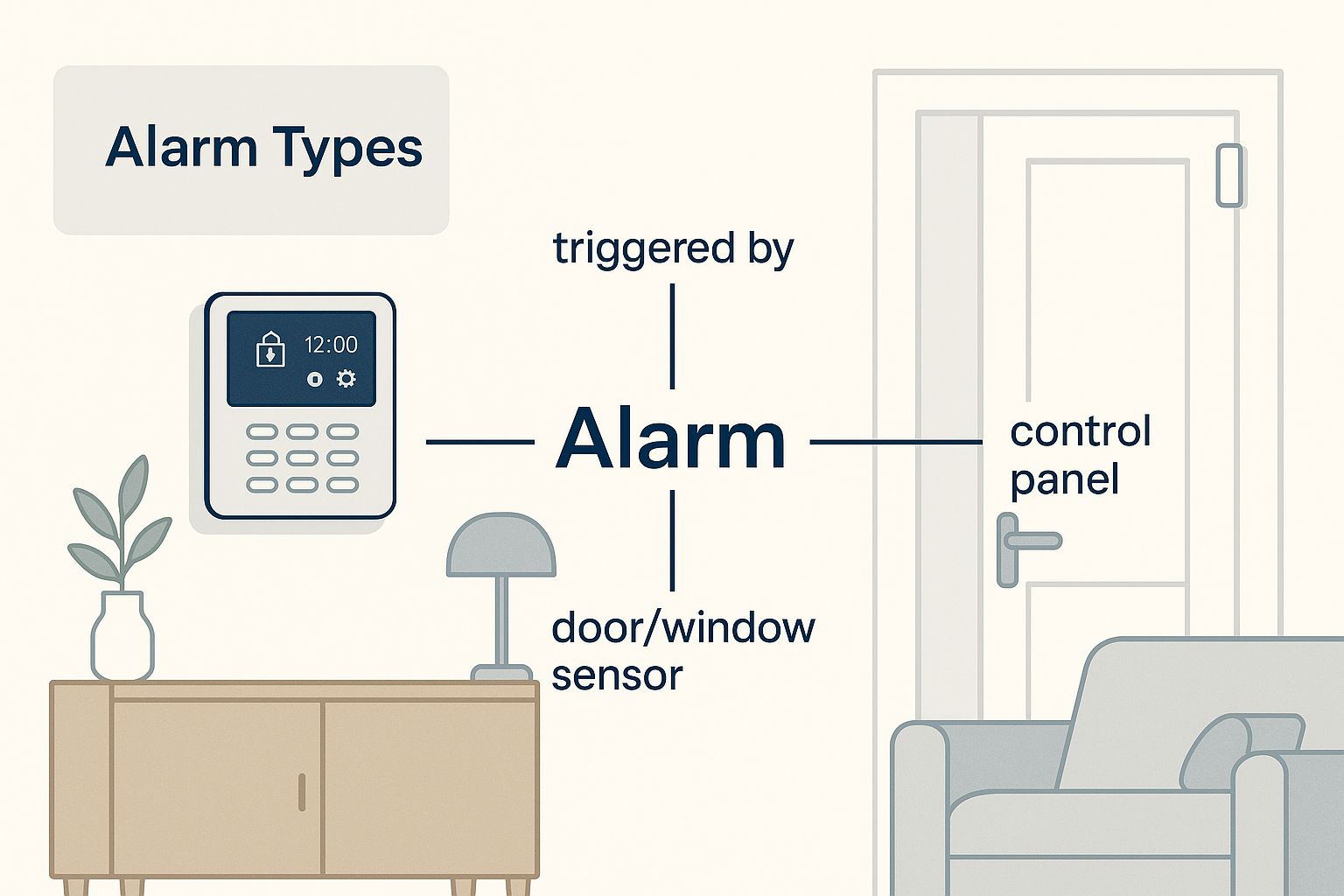
Sometimes seeing the whole system laid out visually makes it click. It's really just a network of simple devices working in concert to create a powerful defensive line.
Wired vs Wireless: The Great Debate
When it comes to connecting your team, you've got two main choices: wired or wireless. It's a bit of a classic debate in the security world, and both have their place.
A wired system is like your trusty old landline or NBN fibre connection—it’s physically connected, incredibly reliable, and almost impossible for an intruder to jam. The main downside is that it can be a real hassle to install, especially if you're trying to retrofit it into an existing home without tearing up the walls.
Wireless systems, on the other hand, are more like your home Wi-Fi. They’re super flexible, a breeze to set up, and absolutely perfect for renters or any place where running a bunch of cables is a nightmare. While some of the early wireless tech had its teething issues, today's systems are incredibly secure and just as reliable as their wired cousins.
To help you get a clearer picture, here's a quick side-by-side look.
Wired vs Wireless Security Systems At a Glance
| Feature | Wired Systems | Wireless Systems |
|---|---|---|
| Reliability | Extremely reliable; no signal interference. | Very reliable, but can be affected by thick walls or Wi-Fi jammers. |
| Installation | Professional installation is usually required, which can be disruptive. | Much easier to install, often a DIY job. Great for renters. |
| Power Source | Powered by your home's main electricity with a battery backup. | Usually battery-powered, so you need to monitor and replace them. |
| Flexibility | Less flexible. Moving sensors or adding new ones is a major job. | Highly flexible. It's easy to move sensors or expand the system. |
| Cost | Higher upfront installation cost, but can be cheaper long-term. | Lower initial cost, but battery replacements can add up over time. |
Ultimately, the choice between wired and wireless often comes down to your property and your budget. For a bit more insight, you can read up on the best security cameras for home use, as they face many of the same wired versus wireless considerations.
The bottom line is this: a security system works by creating a simple "if this, then that" circuit. If a sensor is tripped while the system is armed, then the alarm sounds. It’s this straightforward logic that makes it such an effective deterrent.
Choosing Between DIY Kits and Pro Setups
When you're looking at burglar alarms & security systems, your first big fork in the road is deciding whether to roll up your sleeves yourself or call in the professionals. What works perfectly for a small apartment in Bondi won't necessarily be the right fit for a sprawling family home in Gosford. Let's break down the two main paths you can take.
The DIY Route: The Weekend Warrior's Choice
These days, it’s easier than ever to grab a complete security system right off the shelf. You can walk into a place like Bunnings or JB Hi-Fi and leave with a box from brands like Ring or Eufy. They've really made home security accessible for just about everyone.
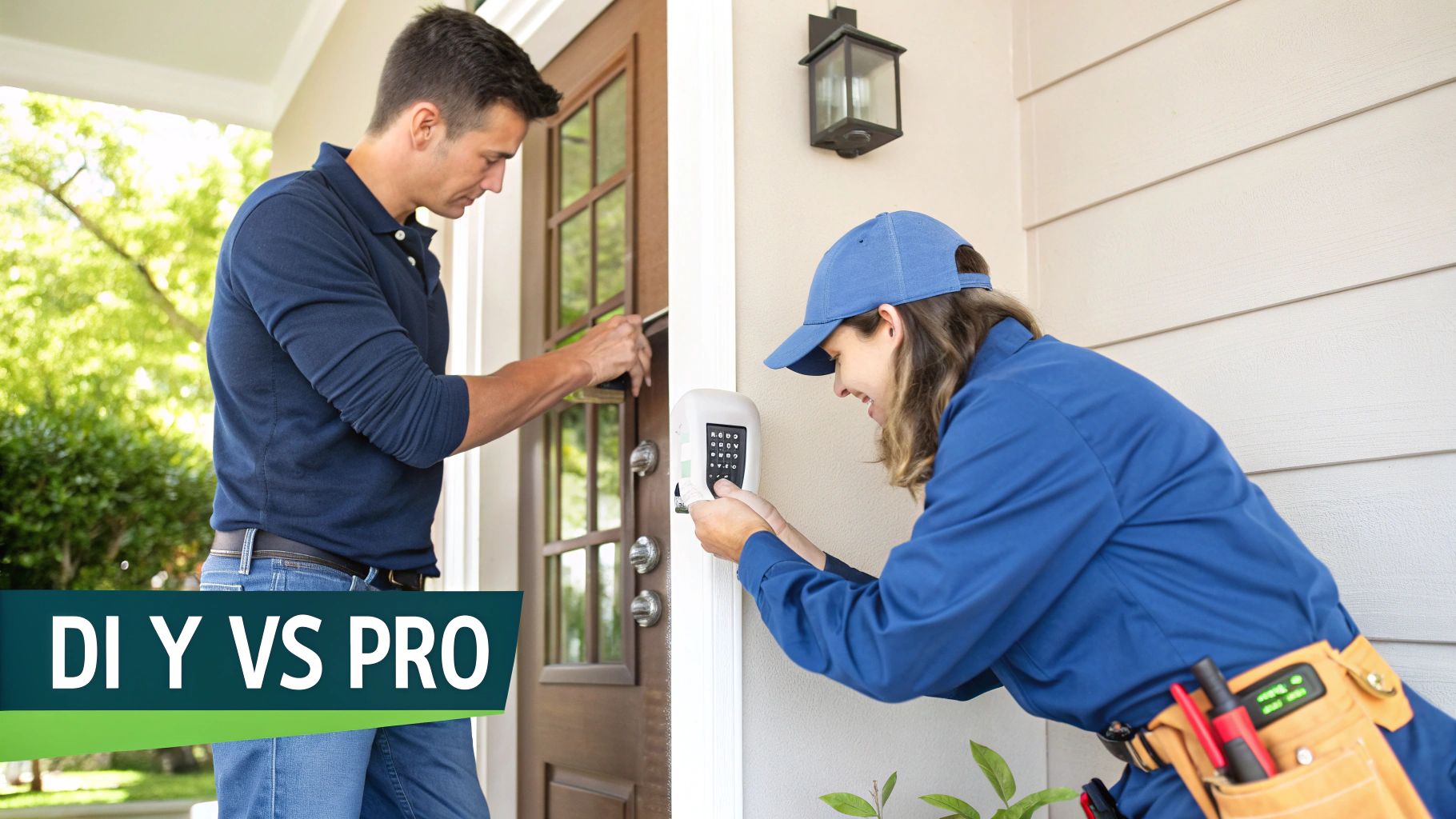
The appeal is pretty clear. You pocket the money you would've spent on installation and get that little bit of satisfaction from setting it all up yourself. It’s a great option for someone who’s comfortable with tech and doesn't mind spending a Saturday arvo getting things just right. If you're keen to give it a go, we've actually got a helpful guide on how to install security cameras that can get you started.
But, and it's a big but, there's a catch. One of the biggest reasons for those annoying false alarms is a dodgy installation. A motion sensor pointing at a window that cops the afternoon sun, or a door contact that’s not lined up perfectly, can have your alarm blaring when nothing's wrong.
The Pro-Install Path: Set-and-Forget Peace of Mind
On the other side of the coin, you have professionally installed systems. This is the more traditional route where a licensed technician pops over, walks through your property, and custom-designs a system that covers your specific weak spots.
Choosing a pro is all about reliability. It’s the ultimate peace of mind. You know with absolute certainty that every sensor is in the optimal spot, every cable is properly secured, and the whole setup is calibrated to work flawlessly. It's the 'set and forget' solution for busy families or business owners who need it done right, no mucking about. Sure, the upfront cost is higher, but what you're really paying for is expertise and a system that won’t let you down.
Monitored vs. Unmonitored Systems
Once you've figured out the installation, the next question is what happens when the alarm actually goes off.
- Unmonitored (or Self-Monitored): With this setup, a triggered alarm will make a massive racket with its siren and ping a notification straight to your phone. From there, it's on you to check your camera feeds and decide whether to call the police or ask a neighbour to take a look. It's a simple, cost-effective deterrent.
- Back-to-Base Monitored: This is the next level of security. When your alarm is triggered, the signal shoots off to a dedicated 24/7 monitoring centre. A real person will then kick into action, following a plan you’ve already agreed on. They might call you first, verify the alarm with live video, or immediately dispatch a security guard or the police to your address.
This choice often boils down to your budget and how hands-on you want to be during an emergency. It's worth noting that the boom in smart home tech has led to a huge uptake in home security across Australia, with more and more people wanting systems they can manage from their phones. You can read up on the latest trends in this growing market on 6wresearch.com.
Integrating Security Into Your Smart Home
This is where your security system goes from being a standalone noisemaker to a seriously smart part of your home's ecosystem. It’s one thing to have an alarm that screeches when a door is opened, but it's a whole other ball game when your home actively works to protect itself. We're talking about getting all your security gear to 'talk' to the other smart gadgets dotted around your place.
Picture this: you're asleep in your Terrigal home. It's 2 AM, and a sensor flags some movement in the backyard. Instead of just a siren, a whole chain reaction kicks off. Your back deck floodlights instantly snap on, bathing the area in bright light. Inside, your Google Home announces, ‘Motion detected in the backyard,’ while your phone buzzes with a notification, showing you a live video feed from the camera covering that exact spot.
That’s not something out of a futuristic movie; that’s what a properly integrated smart home security systems does.
Creating Layers of Smart Defence
By connecting different devices, you’re not just setting up a single tripwire—you're building layers of deterrence. These layers work together to make your property a much less appealing and far more difficult target. A potential thief isn't just up against an alarm anymore; they're facing a house that feels like it’s alive and watching their every move.
Even a few simple integrations can make a massive difference:
- Smart Lighting: Hook your lights up to your motion sensors. If there's movement outside after dark, all your outdoor lights can immediately flick on. Nothing spooks a would-be intruder quite like being suddenly caught in a spotlight.
- Smart Locks: You can link your security system directly to your door locks. When you arm the system as you leave, it can automatically check and lock every door for you. Say goodbye to that nagging "did I lock the front door?" feeling on your way to Sydney.
- Voice Assistants: Use your Google Home or Alexa for audible alerts. A calm, automated voice announcing ‘Side gate has been opened’ is a powerful way to let everyone inside know what's happening without the immediate panic of a full-blown siren.
The real magic of integration is turning your individual security gadgets into a coordinated team. It transforms your system from a passive alarm into an active defence network that can react intelligently to a potential threat.
Bringing It All Together
At the end of the day, the goal is to make a potential break-in as difficult, loud, and obvious as possible. When a thief trips one sensor and is met with a blast of light, a spoken alert, and camera notifications pinging to your phone, they're far more likely to run for it than to hang around.
This approach gives you the best of both worlds: genuine convenience and seriously beefed-up security. For a closer look at what’s possible, check out our full guide to smart home security systems. It's not just about owning the latest tech; it's about making that tech work smarter to keep your home and family safe.
Protecting Your Sydney or Newcastle Business
When it comes to security, your business is a completely different ball game compared to your home. You're not just protecting your stuff; you're safeguarding your entire livelihood, your staff, and your bottom line. The stakes are simply higher, and the security needed for a warehouse in Warnervale is worlds away from what a café in the Sydney CBD requires.
That’s where commercial burglar alarms and security systems come in, offering specialised tools built for the unique challenges businesses face.
More Than Just a Loud Noise
Sure, a screaming alarm is a great deterrent, but modern business security is really about control and information. This is where access control becomes a genuine game-changer. Forget handing out dozens of physical keys that can be easily lost or copied. Today's systems use keycards, fobs, or even smartphone apps to let you manage exactly who can go where, and when.
This gives you incredible power. You can grant weekend staff access only to the main floor, restrict the server room to just your IT team, and keep a complete digital log of every single door that’s been opened. It’s a brilliant way to minimise internal theft and make sure your sensitive areas stay locked down. Of course, a solid access system needs a reliable network, which is why professional data cabling installation is so crucial to make sure all the components talk to each other flawlessly.
Your Eyes on the Ground
Advanced CCTV surveillance is another cornerstone of any serious commercial security setup. It's about so much more than just catching someone trying to break in. High-definition cameras are an invaluable tool for workplace health and safety compliance, helping you monitor for hazards and ensure everyone is following correct procedures.
Think about a café owner in Newcastle. A customer claimed they’d slipped on a wet floor that wasn't signposted and started talking about a massive compensation claim. A quick look at her security footage showed the floor was completely dry and the customer had tripped over their own feet. That clear, undeniable evidence saved her thousands in potential legal fees and a gigantic insurance headache.
For a business, security footage isn’t just for catching criminals after the fact. It’s a vital record-keeping tool that protects you from fraudulent claims, helps resolve disputes, and provides clarity when things go wrong.
There’s a good reason why investment in business security is booming. The Australian security market, which includes burglar alarms and security systems, was recently valued at around AU$4.08 billion. It’s projected to nearly double to AU$8.33 billion by 2034, with businesses all over New South Wales leading the charge to beef up their protection. You can read more about this market growth on expertmarketresearch.com.au.
Ultimately, protecting your business isn’t just another expense—it’s a critical investment in its future.
Finding the Right Security System for You
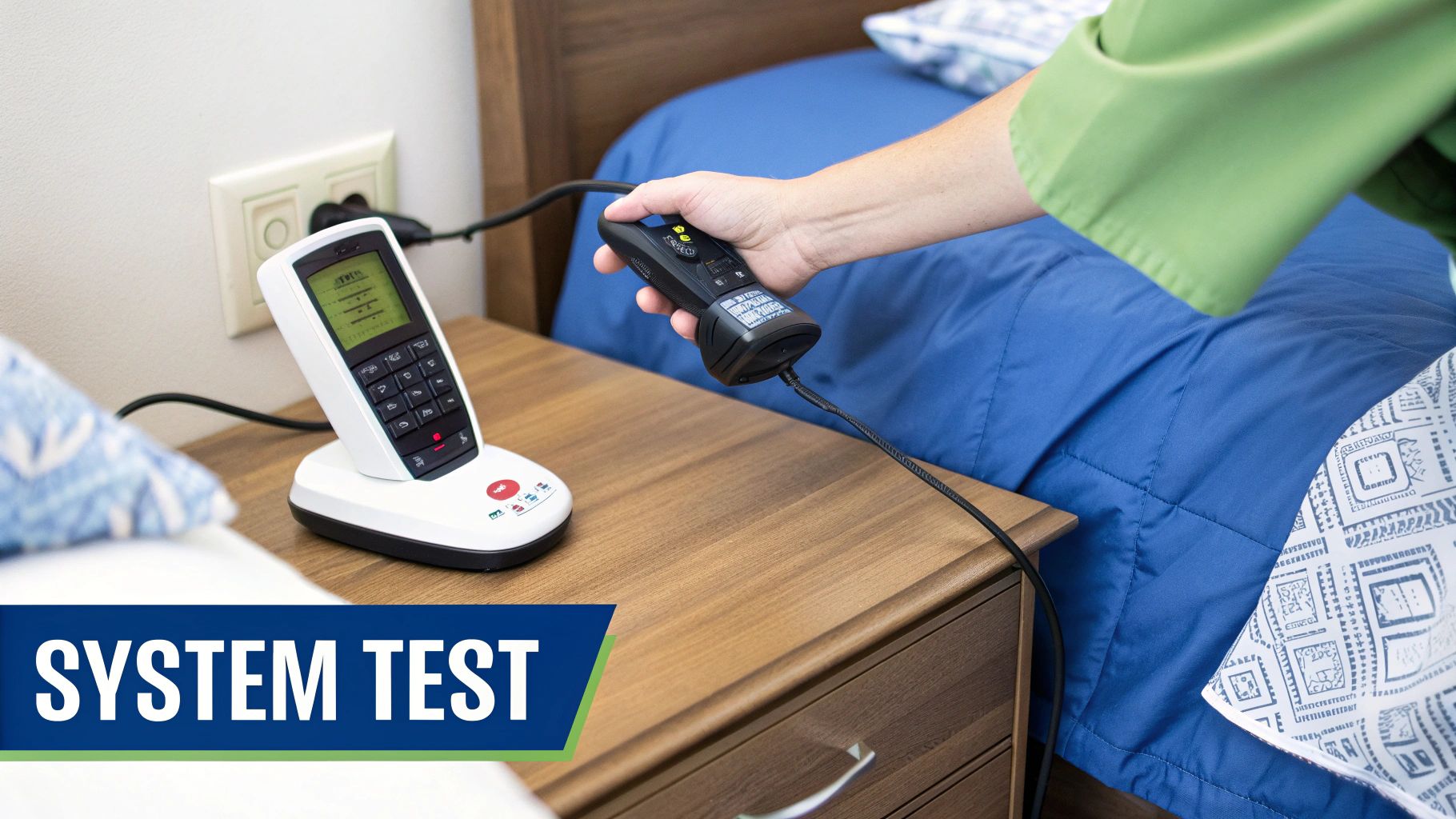
So, you're looking at all the different burglar alarms & security systems out there and feeling a bit overwhelmed? Don't stress, that's completely normal. Let’s break it all down and figure out exactly what you need to keep your place safe and sound.
Picking the right system isn't about getting the most expensive gadget on the market. It’s all about what genuinely fits your life and your property. Think of it like buying a car—you wouldn't get a zippy two-seater if you've got a family of five and a dog to ferry around the Central Coast. It's about finding the perfect match.
Your Security Checklist
Before you start hunting for quotes, let's take a step back. Grab a cuppa and have a good think about these key questions. Honestly, getting these answers straight in your head first will save you a ton of hassle later on.
-
What am I protecting? Is it a cosy apartment, a sprawling family home with a big backyard, or a commercial workshop down in Newcastle? The size and type of your property is the biggest factor.
-
What's my real budget? Be realistic about what you can comfortably spend upfront for the gear, and what you're willing to pay each month if you opt for professional monitoring. A simple wireless setup might only set you back a few hundred dollars, whereas a fully integrated, professionally installed system could be a couple of thousand.
-
How tech-savvy am I? Are you the type who loves diving into apps and customising settings, or would you prefer a system that just does its job in the background without any fuss? Your answer here will point you towards either a DIY solution or calling in the pros.
Got your answers? Great. You should already have a much clearer idea of what you’re looking for. If you're thinking a flexible, renter-friendly option sounds like the go, you'll want to check out our guide on wireless home alarm systems.
The goal isn't to find the 'best' security system—it's to find the best system for you. A simple, well-placed system you actually use is always better than a complex one you don't.
Got Questions? We've Got Answers
It's completely normal to have a few questions buzzing around before you commit to a security system. In fact, it's a good sign! Here are some of the most common things people ask us, with straight-to-the-point answers to help you out.
What's This Going to Cost Me?
That’s the million-dollar question, isn't it? The truth is, the cost can vary quite a bit.
You could pick up a basic DIY kit from a retailer like JB Hi-Fi for a few hundred dollars. But if you're looking for a professionally installed system for a typical Aussie home, you’d generally expect to pay somewhere between $800 and $2,500+ for the equipment and installation.
If you add professional back-to-base monitoring to the mix, there's also a monthly subscription, which is usually around $30 to $60. The final price really comes down to the size of your property and how many features you want to include.
Will Having an Alarm Lower My Insurance Bill?
Great question. More often than not, yes! Many Australian insurance companies love to see that you've taken proactive steps to protect your property.
Having a professionally installed and monitored security system can often snag you a nice little discount on your home and contents insurance. It's always worth giving your provider a quick call to see what kind of savings you're eligible for.
While the main goal is always peace of mind and keeping intruders out, saving a bit on your insurance premium is a fantastic perk.
What Happens if the Power or Internet Cuts Out?
That’s a classic concern, but any decent modern system is built for this exact scenario.
Most quality burglar alarms and security systems have a built-in backup battery. This little powerhouse kicks in the moment the power goes out, keeping your system fully operational for hours.
And for your internet connection? Many systems also include a cellular backup. If your NBN drops out, the system automatically switches over to a mobile network, so it never loses its connection to the monitoring centre. Your security stays switched on, even when everything else is off.
Ready to get a security system for your Central Coast, Sydney, or Newcastle property that you can truly rely on? The team at Advanced Comtech has the local know-how and technical expertise to put together the perfect solution for your home or business. Get in touch with us today for a stress-free quote and some honest advice.