
Ever found yourself relaxing at Bar Beach, maybe grabbing a coffee in Terrigal, or soaking up the vibe in Darling Harbour, only to have that nagging thought creep in—is everything okay back home? In a world where we can order a flat white from our phones, the old lock and key combo feels a bit, well, ancient. That’s where modern wireless home alarm systems come in, offering some serious peace of mind without turning your walls into a mess of cables.
Your Guide to Modern Home Security
Let’s be honest, the term “alarm system” can bring to mind images of clunky, complicated setups from old movies. But today’s wireless home alarm systems are a different beast entirely. Think of them less as a loud, annoying siren and more as a smart, invisible watchdog for your home, one that’s always on duty whether you’re in a Newcastle terrace, a family home on the Central Coast, or a unit in Sydney.
It’s a straightforward concept. Instead of messy wires, these systems use secure radio signals to connect all their components. They’re designed to be simple, effective, and incredibly flexible, which is a big reason for their booming popularity. In fact, the Australian home security market is growing quickly, driven by homeowners who want smarter, easier ways to feel secure. The fact that you can install them without major drilling makes them a ripper choice for renters and homeowners alike. You can explore more about these market trends and their drivers in this detailed industry report.
The Three Key Players in Your System
So, what are the main parts of this security team? It all boils down to three core components working together seamlessly. Understanding them is the first step to appreciating just how clever these systems are.
- The Control Panel: This is the brains of the operation. It’s the central hub that receives signals from all the sensors and decides when to act. It’s the team captain, calling the plays.
- The Sensors: These are the eyes and ears of your security setup. They’re placed on doors, windows, and in key areas to detect motion or entry. When they spot something suss, they immediately report back to the control panel.
- The Siren: This is the loudmouth of the group, and for good reason! If a sensor is tripped, the control panel tells the siren to make a racket, alerting you and deterring any would-be intruders.
These three parts form a wireless triangle of trust. The sensors watch, the panel thinks, and the siren shouts. It’s this simple yet effective teamwork that provides a powerful layer of protection for your home.
When these elements are combined, you get a system that’s much more than just a burglar alarm. It’s a complete ecosystem that can integrate with other devices. To get a better handle on how these systems fit into a broader network, check out our guide on smart home security systems and see what’s possible. It’s all about creating a connected and secure environment that gives you genuine peace of mind, letting you enjoy that day out in Sydney without a worry.
How Wireless Alarm Systems Actually Work
So, how on earth does a sensor on your back door instantly tell a siren to scream blue murder without a single wire connecting them? It’s not magic, it’s just clever tech doing its thing. You don’t need a degree in IT to get it—if you’ve ever used a garage door remote, you already understand the basic idea.
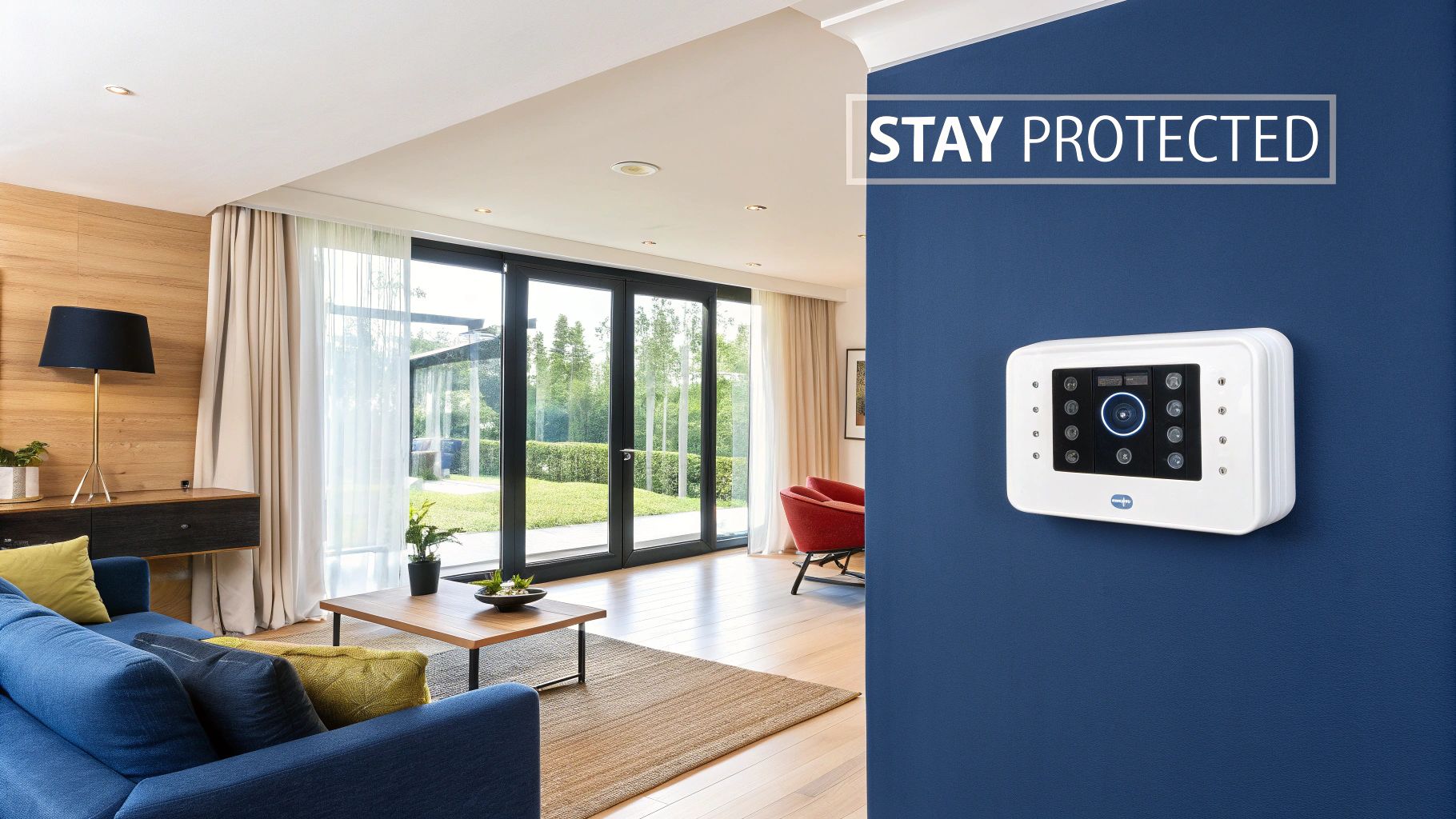
At the heart of every wireless home alarm system is a central hub or control panel. Think of this as the brains of the operation. All the other components—the door sensors, window sensors, and motion detectors—are its eyes and ears, spread throughout your home.
Each of these sensors uses its own unique, secure radio signal to chat directly with the hub. This isn’t like an open party line; the communication is encrypted, meaning it’s scrambled and secure from would-be digital eavesdroppers. The hub is constantly listening for messages from its team. The moment a sensor is tripped, it sends an instant S.O.S. signal. The hub then makes the call: sound the alarm, send a notification to your phone, and if you’re with a pro monitoring service, alert them too.
The Unseen Language of Radio Frequency
Think of your system as its own little private radio station. Each sensor broadcasts on a specific frequency, a bit like how Triple M and Triple J have their own spots on the dial. This dedicated channel ensures messages get through without interference from your Wi-Fi, the neighbour’s telly, or other household gadgets.
This radio frequency (RF) technology is incredibly reliable and designed to use very little power. That’s why the batteries in your sensors can last for years without needing a change. They spend most of their time in a low-power “sleep” mode, only waking up to send a signal when they detect something or to perform a routine check-in with the hub.
- Door and Window Sensors: These are usually two-piece magnetic sensors. When the door or window opens, the connection between the two pieces is broken, and it sends an “open” signal.
- Motion Detectors: These use passive infrared (PIR) technology to detect the body heat of a person moving through a room. When they sense a change in the heat signature, they fire off an alert.
- The Control Hub: This is the receiver that listens to all these signals. It processes the information and triggers the appropriate response based on your settings.
What Happens When the NBN Takes a Smoko
A common worry for Aussies is, “What happens if my internet goes down?” It’s a fair question, especially when the NBN decides to have a moment. This is where a crucial backup feature comes into play: cellular connectivity.
A top-notch wireless alarm system doesn’t just rely on your home’s Wi-Fi. It has its own built-in SIM card, allowing it to communicate over the mobile phone network, just like your smartphone.
This means that even if a blackout takes out your power and internet, the system’s backup battery kicks in and the cellular connection ensures it can still send alerts. It’s a vital safety net. While you’re at it, ensuring your home’s main internet connection is protected is just as important. For more tips on that, you can learn more about how to secure your Wi-Fi network in our detailed guide.
This combination of reliable RF technology and multiple backup plans is what makes a modern wireless home alarm system so dependable for protecting your property, whether you’re down the street or on the other side of the country.
Key Features That Make a Real Difference
Right, so you’ve got the basics down on how wireless home alarms work. But let’s be honest, not all systems are built the same. Some are as simple as a doorstop, while others are loaded with tech that can make your life easier and your home much safer. The trick is to look past the flashy ads and figure out what you actually need for your Sydney, Newcastle, or Central Coast home.
We’re talking about more than just a loud siren that wakes the neighbours. The best systems today are a complete package, offering features that give you real convenience and a solid sense of security. It’s no longer just about scaring off burglars; it’s about staying connected to your home.
This space is booming. The Australian smart home security market, which is where these advanced wireless systems live, pulled in around USD 809.6 million in 2024 alone. Experts reckon it’ll soar to over USD 2.1 billion by 2030, which shows just how many Aussies are getting on board with smarter protection. You can read the full research on this explosive growth to see where things are headed.
Professional Monitoring 24/7
A self-monitored system is a good start—it pings your phone, and you take it from there. But what happens if you’re stuck in a meeting, on a plane, or just can’t get to your phone in time? This is where professional 24/7 back-to-base monitoring really earns its keep.
Imagine this: you’re enjoying a weekend away down the South Coast, phone on silent, completely switched off. Back home in Newcastle, a sensor is triggered. Without monitoring, the alarm might blare for a bit, but that’s it. With monitoring, a dedicated team gets the alert. They can’t reach you, so they call the police. That’s the kind of backup that lets you truly relax.
Think of it this way: professional monitoring turns your alarm from a passive noisemaker into an active security solution. It ensures someone is always watching over your home.
Smartphone Control from Anywhere
One of the best perks of a modern wireless alarm is having total control right in your pocket. A dedicated smartphone app lets you manage and check in on your entire system from pretty much anywhere you have an internet connection.
Rushed out the door and forgot to arm the system? No stress. You can do it from the train. Need to let the plumber in while you’re at work? Just disarm and re-arm the system remotely. This kind of control gives you incredible flexibility and peace of mind.
- Arm and Disarm Remotely: Lock down your home with a single tap, no matter where you are.
- Receive Real-Time Alerts: Get instant notifications for any activity, from a sensor being triggered to a low battery warning.
- Check System Status: Quickly see if all your doors and windows are shut and whether the system is armed.
Smart Home Integration
Now, this is where things get really clever. Smart home integration means your alarm system can “talk” to other smart gadgets in your home, creating automated sequences that boost both security and convenience. The possibilities are massive.
Picture this: a sensor on your back door is tripped in the middle of the night. Not only does the siren blare, but all your smart lights inside and out flash on, and your security cameras instantly start recording. A coordinated response like that is far more likely to send an intruder running than a siren alone.
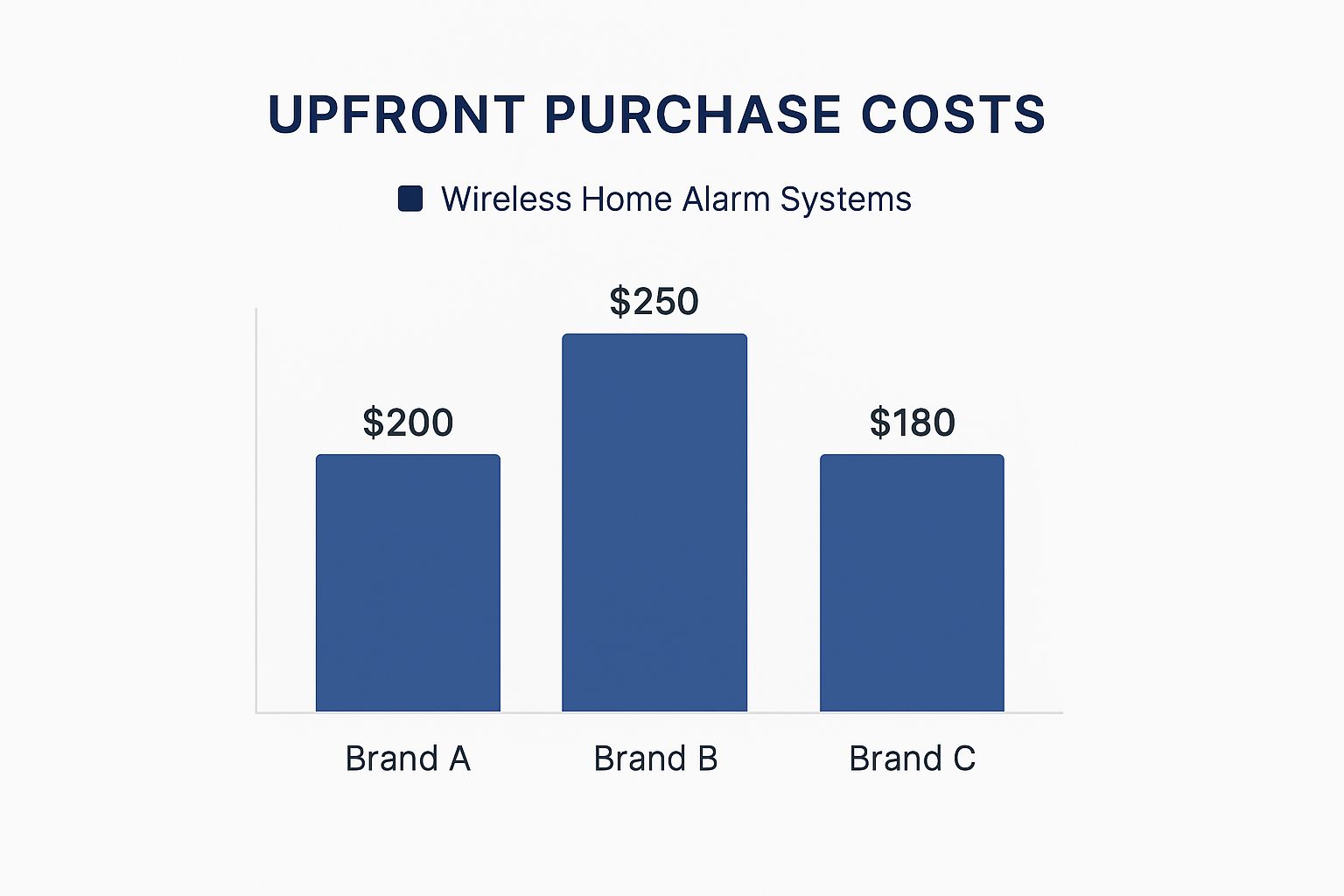
While the sticker price is always a consideration, it’s features like professional monitoring and smart integration that truly transform a basic alarm into the heart of your home’s security. In the long run, these are the differences that count.
Planning Your Wireless Security Setup
Right, so you’re sold on the idea of a wireless home alarm system. Brilliant. But now comes the part that can feel a bit like playing a strategy game: where do you actually put everything?
Plastering sensors on every single surface is probably overkill, and it’ll certainly hit your wallet. The real goal is to think like a burglar for a moment and plan a setup that’s both clever and effective.
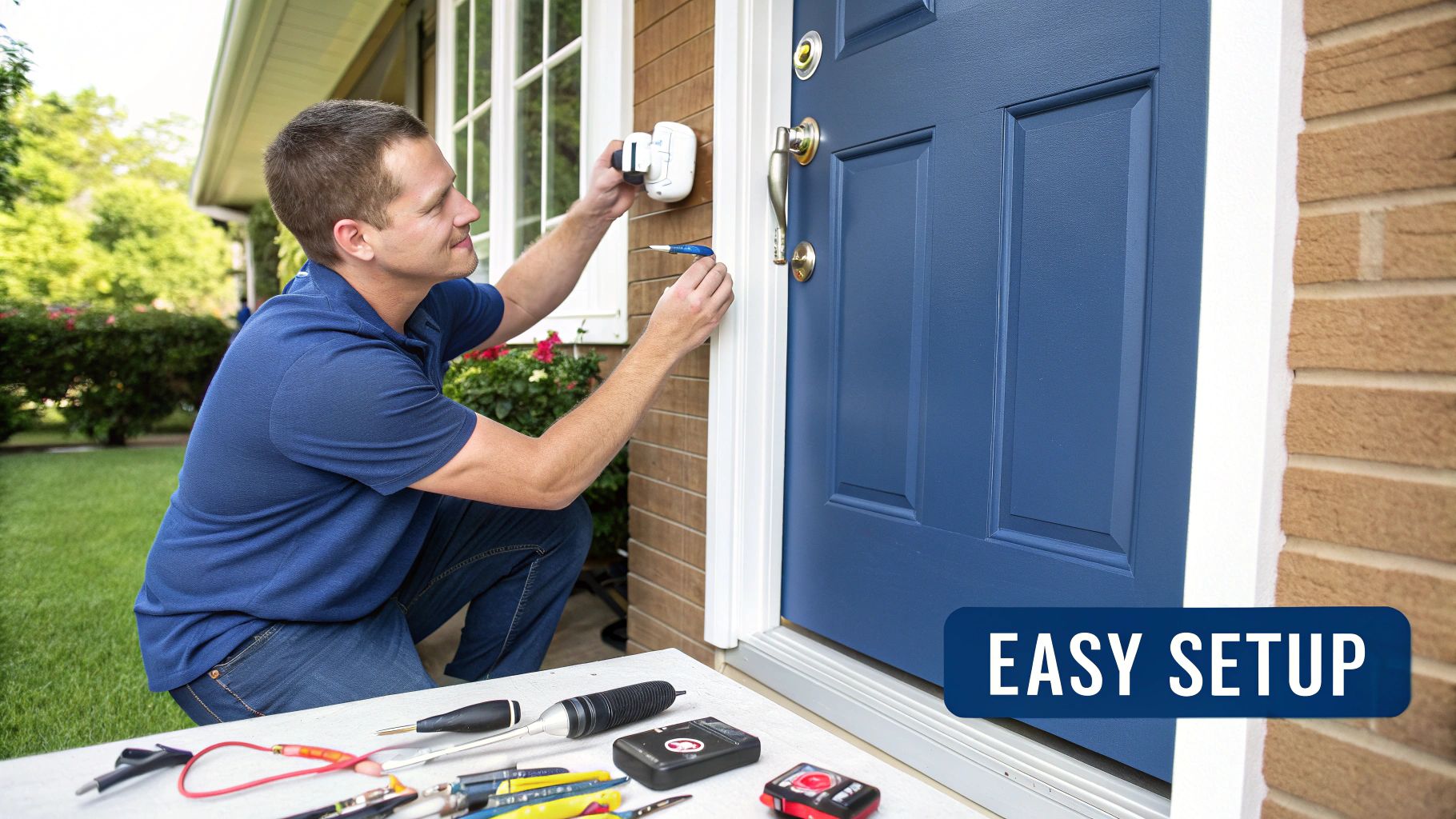
This is your practical guide to designing a system that fits your home like a glove, whether you’re in a suburban house in Sydney’s Hills District or a breezy coastal spot near Newcastle. Let’s walk through a typical Aussie home and pinpoint the weak spots that intruders love to target.
Mapping Out Your Home’s Entry Points
First things first, grab a piece of paper and sketch a rough floor plan. It doesn’t need to be an architectural masterpiece, just a basic layout will do. Now, walk through each level of your home and mark every single door and ground-floor window. These are your primary entry points and the first line of defence.
Most break-ins—a staggering 73%, in fact—happen through a ground-floor door or window. This makes these spots absolutely non-negotiable for placing sensors. A simple door/window sensor on each of these is the bedrock of any solid security plan.
Strategic Sensor Placement
Once you’ve got your entry points covered, it’s time to think about the inside. This is where motion detectors come in, acting as your second layer of protection. Placing them correctly is the secret to avoiding those annoying false alarms while ensuring you catch any unexpected movement.
Here’s a quick checklist for where to put your sensors:
- Door/Window Sensors: Stick one on every external door, and don’t forget the one leading from the garage into the house. Also, cover all easily accessible ground-floor windows, paying special attention to those at the back or side of the house that are hidden from the street.
- Motion Detectors: Position these in high-traffic areas an intruder would have to cross, like a main hallway, the living room, or the bottom of the stairs. This creates a “trap zone” they simply can’t avoid.
- The Main Keypad: Install this near your most-used entry point, which is usually the front door or the internal garage door. This makes it a breeze to arm and disarm the system as you come and go.
Pro Tip: When placing motion detectors, mount them in a corner of the room, high up on the wall. This gives them the widest possible viewing angle and makes them much harder for an intruder to spot and tiptoe around.
Considering Pets and Renters
Got a four-legged family member? It’s a common worry that your kelpie or tabby will set off the motion sensors every five minutes. The good news is that modern pet-friendly motion sensors are smart enough to ignore smaller animals (usually up to around 35kg), meaning your pets can roam freely without triggering a false alarm. Just be sure to mention you have pets when you’re planning your system.
If you’re renting, the flexibility of a wireless alarm is a massive plus. Since there’s no drilling or hardwiring involved, you can easily install the system with temporary adhesive strips and then pack it up and take it with you when you move. It’s a security investment that isn’t tied down to one property.
By taking just a few minutes to think strategically about your home’s layout and potential weak spots, you can design a wireless security setup that delivers maximum protection. It’s not about creating an impenetrable fortress; it’s about building smart, layered security that gives you genuine confidence and peace of mind.
Why Professional Installation Matters
You’ve probably seen those DIY wireless home alarm kits piled high at your local hardware store. They promise a simple, plug-and-play setup, and it’s definitely tempting to think you can save a few dollars by giving it a go yourself. But honestly, when it comes to protecting your home and family, this isn’t the place to be cutting corners.
Getting your system installed by a professional is about so much more than just avoiding the headache of a confusing instruction manual. It’s about making absolutely sure your system works flawlessly when you need it most. An experienced installer knows exactly where to place sensors for the best possible coverage, sidestepping the common blind spots that DIY setups often create.
They also make certain every single component is talking to each other perfectly, without any interference. Think of it this way: a DIY job is like being your own footy coach, taking a guess at the best plays. A professional installer is the seasoned expert who knows the opposition’s tactics and sets up a winning game plan right from the start.
The Local Know-How Advantage
Living on the Central Coast, in Sydney, or around Newcastle brings its own unique security challenges. A generic, off-the-shelf kit just doesn’t understand the local environment. Things like salty air, certain building materials, and even the notorious NBN blackspots in some areas can all mess with how well a wireless alarm performs.
We actually had a client in a coastal suburb near Gosford whose DIY system was causing a nightmare of false alarms. The sensors they’d bought just weren’t designed for the humid, salty air and kept malfunctioning. We came in, replaced it with a professional-grade system built to handle our coastal elements, and the problem disappeared overnight.
That’s the difference local expertise makes. It’s not just about installing a product; it’s about providing a solution that’s right for your home in our community. It’s the peace of mind that comes from having support you can actually trust, just down the road.
Reliability and Proper Integration
At the end of the day, a professional installation is the bedrock of a reliable security system. It’s about making sure every part of your security setup works together seamlessly. This becomes even more critical when you start connecting your alarm to a wider network of smart home devices.
For a wireless alarm to work perfectly, it needs a rock-solid connection. An expert can properly assess your home’s Wi-Fi and network strength, ensuring there are no weak points that could put your security at risk. Building a robust backbone for all your connected tech is crucial, which is why a professional approach to your whole home network installation can make a world of difference. This integrated setup guarantees every device, from your alarm to your cameras, has the solid connection it needs to perform.
The demand for these interconnected security solutions is growing like crazy across Australia. The broader smart home market, which includes wireless alarms, is tipped to be worth a massive USD 10.15 billion by 2033. This boom is being driven by Aussies wanting advanced features like video monitoring and smart locks that all play nicely together. You can discover more insights about Australia’s smart home market and see why a solid setup is so important.
Ultimately, choosing a professional installation isn’t an extra cost—it’s an investment in reliability. It’s the assurance that your system is correctly configured, thoroughly tested, and ready to protect you from day one, giving you and your family the security you deserve.
Got Questions About Wireless Alarms? We’ve Got Answers
Still have a few questions rattling around in your head? Don’t worry, you’re not the first. We hear these all the time from homeowners we work with across Sydney, Newcastle, and the Central Coast.
Deciding to install a wireless home alarm system is a pretty big step, so it’s completely normal to want to get all the facts straight first. Let’s tackle some of the most common queries we get from our neighbours.
Are Wireless Home Alarm Systems Actually Reliable?
Absolutely. That’s the short and sweet answer.
The slightly longer version is that modern wireless systems have come a long way. They use highly secure, encrypted radio signals that are just as dependable as their old-school wired cousins. There’s a bit of a myth that “wireless” means weak or easy to jam, but the technology today is incredibly robust and sophisticated.
Plus, they’re built with safety nets. Nearly all quality systems have a backup battery to keep things humming along during a power cut, and a cellular connection in case your NBN decides to take an unscheduled holiday.
We only install top-tier gear that we know can handle the tough Aussie climate, so you can trust it to work flawlessly day in and day out. Your peace of mind is our top priority, and that starts with rock-solid reliability.
What Happens If the Power Goes Out?
It’s a classic Aussie worry, isn’t it? A big storm rolls in, the lights flicker and die, and you wonder if your high-tech security is now just a fancy paperweight. Good news: a quality wireless alarm is built for exactly this scenario.
The main control panel and all the key sensors have their own built-in backup batteries. The moment the power is cut, these kick in automatically, keeping your entire system fully operational for hours—often for 24 hours or even more.
This means that even in a total blackout, your system doesn’t miss a beat. It’s still armed, the sensors are still watching, and your home remains protected.
On top of that, any professionally monitored system comes standard with a cellular backup. This is a real game-changer. If your internet goes down with the power, the alarm simply switches to the mobile network to send an alert to the monitoring centre, just like your phone sends a text.
Can I Take the System With Me If I Move?
You sure can, and honestly, this is one of the biggest perks of going wireless! It makes these systems the perfect solution for renters or anyone who knows they might not be in their “forever home” just yet.
Because there are no messy cables drilled through walls or permanently fixed to your home’s structure, taking the system down is a piece of cake. The sensors, keypad, and control panel can be carefully removed, packed up, and re-installed in your new place with minimal fuss.
It’s a smart investment in your security that actually moves with you. You get consistent protection whether you’re in Hornsby today or Hamilton tomorrow. This flexibility is a huge reason why so many people are making the switch.
Is Professional Monitoring Really Worth the Cost?
This is a question we get a lot, and it’s a good one. A self-monitored system that just sends alerts to your phone is a great start, but professional monitoring is like upgrading from a simple doorbell camera to having a full security team on call 24/7.
Here’s the real difference in a nutshell:
- Self-Monitored: An alarm goes off, and you get a notification. It’s then up to you to figure out what’s happening and call the police if needed. That’s fine if you’re home and have your phone glued to your hand.
- Professionally Monitored: An alarm goes off, and a signal is instantly sent to a dedicated centre staffed by trained security professionals. They’ll immediately follow a strict protocol, which usually means calling you to verify the alarm. If they can’t reach you or you confirm it’s an emergency, they dispatch the police or fire brigade for you.
That immediate, professional response is priceless if you’re on holiday, stuck in traffic on the M1, in a meeting, or simply can’t get to your phone. For a small monthly fee, you get a level of protection and response that a standalone system just can’t match. For more insights, you can find a heap of helpful information in our other articles on various security systems.
Ready to secure your home with a system that’s reliable, flexible, and built for your life? At Advanced Comtech, we provide expert advice and professional home alarm installation to give you total peace of mind. Get in touch with our local team today, and let’s find the perfect solution for your home.





