
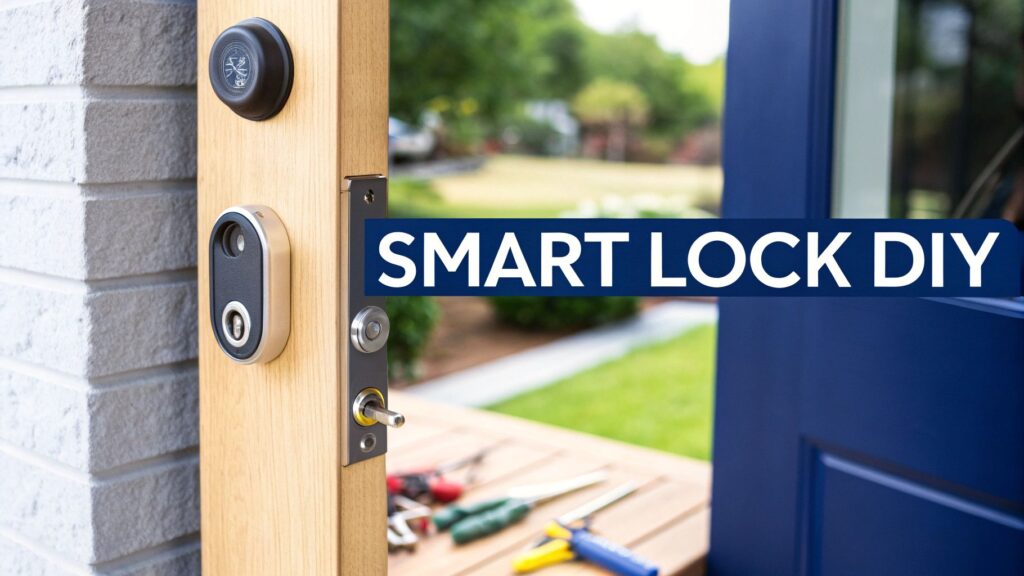
Swapping out your old lock for a smart one is a top-notch weekend project. It's mostly about taking off the old hardware, fitting the new smart lock, and then linking it up to your Wi-Fi and phone. This single upgrade seriously boosts your home security and adds a massive amount of convenience. Say goodbye to fumbling for keys! All you really need are a few common tools and a bit of patience to get it done right.
Why Smart Locks Are Popping Up All Over the Central Coast
You know the feeling—arms full of shopping, it’s bucketing down with rain, and your keys have vanished into another dimension at the bottom of your bag. Or how about that classic "did I lock the door?" panic that hits you on the M1, halfway to Sydney? We’ve all been there. A smart lock is the perfect fix for that key-juggling, second-guessing nightmare.
This isn't just about sticking a new gadget on your door; it’s about completely changing how you come and go. It’s about genuine peace of mind.
And it looks like Aussies are getting on board in a big way. The smart door lock market here recently hit a value of about $69.51 million AUD. But get this—it’s forecast to skyrocket to around $533.28 million AUD by 2034. That growth is all down to more of us getting into smart home tech and wanting better, more flexible security.
A Weekend Job with Long-Term Perks
Consider this guide a yarn with a local mate who’s already done the install, made the common mistakes, and figured out the smoothest way to get it sorted. We’ll walk you through the whole smart door lock installation process, step by step.
Once you’re done, you'll be able to:
- Let a tradie in while you're at work in Newcastle.
- Give the kids access after school without a key they can lose.
- Double-check that your door is locked from your spot on Terrigal beach.
- Finally ditch that dodgy spare key under the pot plant.
This is a huge step (pun definitely intended) toward a smarter, more secure home. If you're keen to see how it all fits together, learning more about https://advancedcomtech.com.au/blog/smarthomes-for-living/ can show you the amazing automation possibilities.
What’s Coming Up in This Guide
I’ll cover everything you need to know, from choosing the right lock for your Central Coast digs to getting it synced perfectly with your phone. Forget those confusing technical manuals with diagrams that make no sense. We're keeping things simple, practical, and focused on what you actually need to know for a successful DIY job.
This isn't about turning you into a professional locksmith overnight. It’s about giving you the confidence and the practical skills to nail a project that makes life easier and your home much more secure.
So, grab a coffee and let's get into it. Before you know it, you’ll be locking up with a tap on your phone, feeling like a tech genius and the safest person on your block. Welcome to the keyless life, mate.
Picking Your Perfect Digital Bouncer
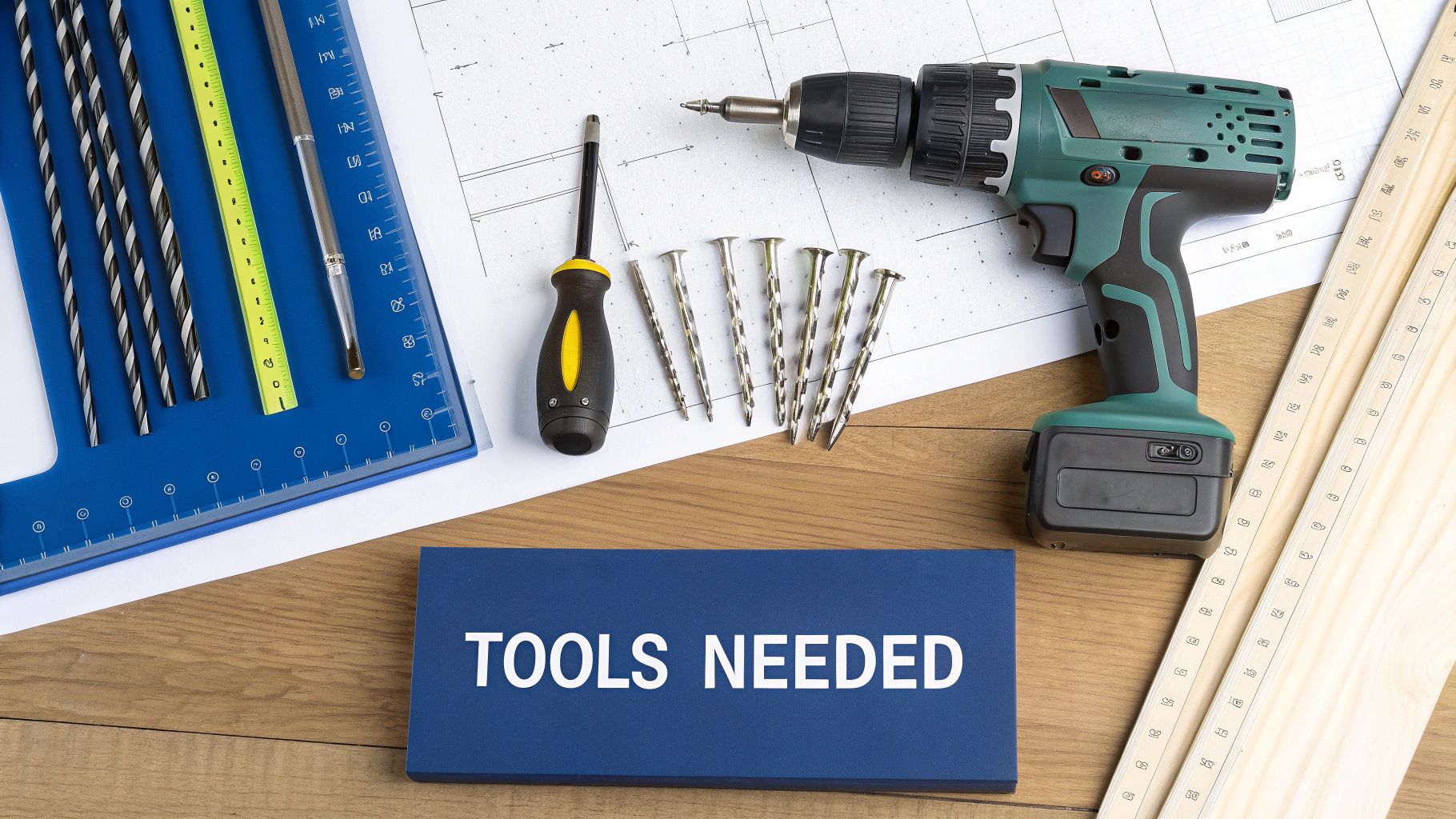
Alright, let's go shopping. Choosing a smart lock isn't just about grabbing the shiniest one off the shelf at JB Hi-Fi or Bunnings. It’s about finding the right digital bouncer for your door, your home, and your lifestyle.
Think of it like this: you wouldn't hire a nightclub bouncer to look after a library. In the same way, the beefy smart lock perfect for a new build in Warnervale might be total overkill for the back door of your beach shack in Avoca. It’s all about finding the right fit.
Deadbolts: The Undisputed Champs of Aussie Doors
Once you start looking, you'll see a few different styles, but the one you'll encounter most is the smart deadbolt. And there’s a bloody good reason for that. Deadbolts offer serious physical security because the bolt itself slides deeper into the door frame, making it a nightmare for anyone trying to just force their way in.
In fact, deadbolt smart locks have held a dominant position in the Aussie market for a while, pulling in a huge slice of the revenue. This isn't just a local trend; it's a global thing, with deadbolts tipped to keep leading the pack for years to come.
This popularity means you've got heaps of options. It's great, but it also means you need to know what you’re looking for.
Wi-Fi vs Bluetooth: What’s the Difference?
Your next big decision is how your lock will talk to your phone and the rest of your smart home. This usually boils down to a choice between Wi-Fi and Bluetooth, and each has its pros and cons.
-
Wi-Fi Connected Locks
These connect directly to your home's Wi-Fi network. This is the magic that lets you lock or unlock your door from anywhere—whether you're stuck in traffic on the M1 or enjoying a flat white in Newcastle. They give you ultimate control but can be a bit thirstier on battery life. -
Bluetooth Connected Locks
These fellas connect directly to your phone when you're nearby, usually within about 10-15 metres. They are super reliable for unlocking the door as you walk up with your hands full of groceries, and they sip battery power. The downside? No remote access unless you buy a separate Wi-Fi bridge or hub.
For most people, a Wi-Fi-enabled lock offers the best of both worlds, giving you that sweet, sweet peace of mind that comes with remote access. These devices are a cornerstone of a truly connected home, and you can see how they fit into the bigger picture by checking out our guide on the best smart home devices.
Pro Tip: Some locks are Bluetooth-only but offer an optional Wi-Fi bridge. This can be a good compromise, letting you start simple and add remote functionality later if you decide you need it.
The Newtown Terrace Fiasco: A Cautionary Tale
I’ve got a mate, Dave, who learned a crucial lesson the hard way. He lives in a classic old terrace house in Newtown—you know the type, full of character and slightly wonky door frames. He got excited, bought a top-of-the-line smart lock online, and set aside a Saturday for what he thought would be a simple installation.
Two frustrating hours later, he realised the lock was designed for a standard modern door. His old terrace door was thicker, and the hole for the lock was set further back from the edge. It was never going to work.
That meant a soul-crushing trip back to the hardware store, defeated and lock-less.
Don't be like Dave. Before you even think about clicking "add to cart," grab a tape measure and check two critical measurements on your door:
- Door Thickness: Measure how thick your door is. Most smart locks are made for doors between 35mm and 50mm thick, which covers most modern doors in Australia.
- Backset: This is the distance from the edge of the door to the centre of the hole for the lock. The two standard sizes in Australia are 60mm and 70mm. Many smart locks come with an adjustable deadbolt to fit both, but you must check.
Taking two minutes to measure will save you hours of frustration. It’s the single most important step in picking the perfect lock and ensuring your installation day is a cruisy, successful one.
Unboxing Day and Saying Goodbye to the Old Lock
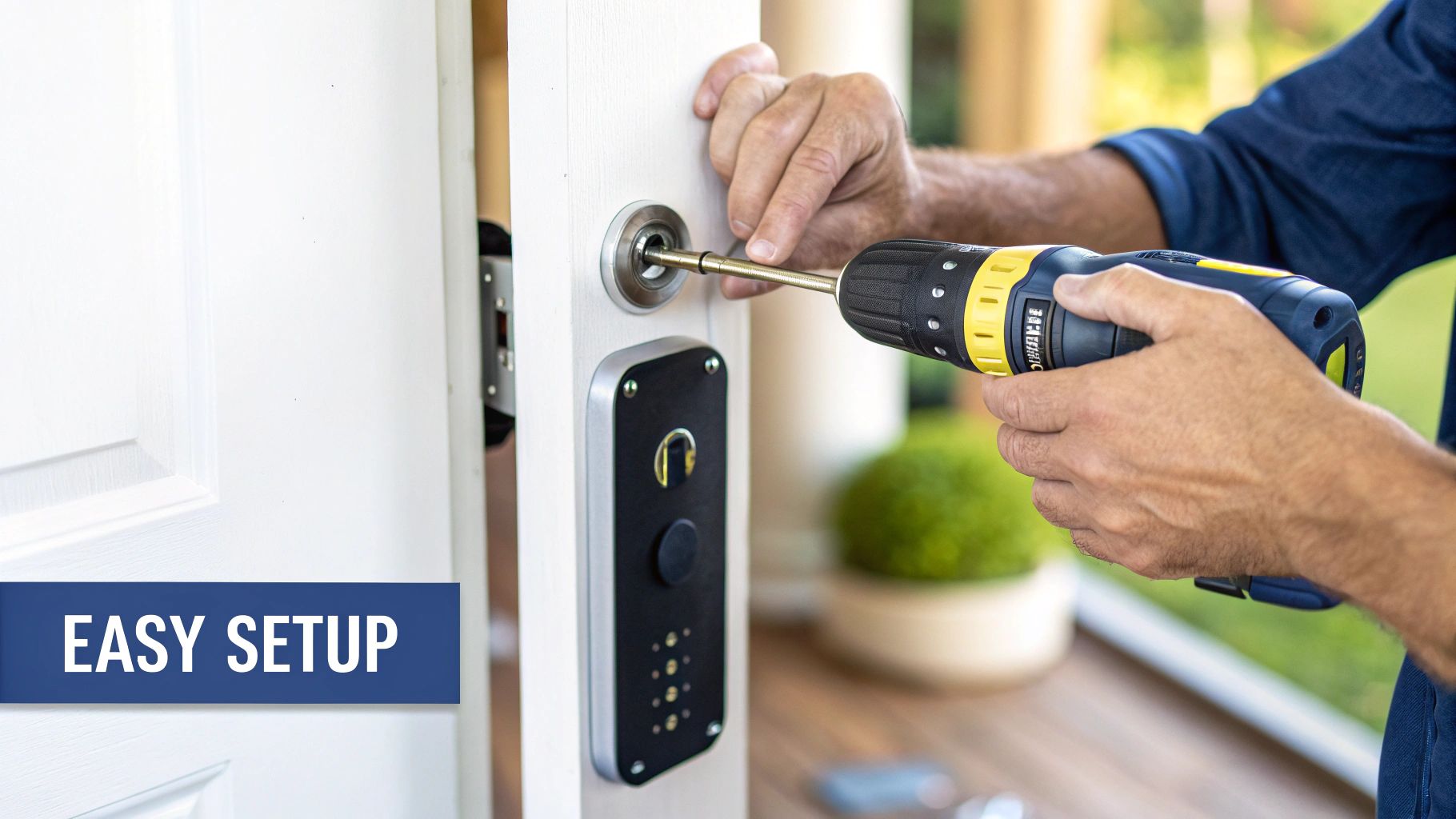
Right, the box is here. It’s sitting on the kitchen bench, humming with smart-home potential. The temptation to tear it open like a kid on Christmas morning is real, but let's just pump the brakes for a second. Before we get to the fun bit, a quick inventory check is in order.
Think of it like getting all your ingredients prepped before you start cooking. Lay everything out on a flat surface—I usually pop a towel on the floor to stop those tiny screws from rolling off into another dimension. You should see an exterior keypad, the interior assembly with its thumb turn, a shiny new deadbolt, a mounting plate, and a little baggie of screws and cables. Double-check it all against the parts list in the manual. Trust me, there’s nothing worse than getting halfway through a job only to find you're missing one critical screw.
Out With the Old Lock
With all the new gear accounted for, it's time to bid farewell to your old, trusty lock. It's had a good run, but its watch has ended. This part of the smart door lock installation is a pretty satisfying "out with the old, in with the new" moment. It’s basically the home-improvement montage scene for your security upgrade.
First up, grab your Phillips head screwdriver. On the inside of your door, you’ll spot two screws on the thumb-turn part of the lock. These two little guys are holding the whole thing together. As you start unscrewing them, keep one hand on the outside part of the lock to stop it from tumbling down your front steps.
Once those screws are out, you can gently pull the two halves of the lock apart. The interior and exterior pieces should come away cleanly, leaving just the deadbolt latch poking out from the edge of the door.
A Tip for Older Homes: If you're working on an old terrace in Paddington or a classic weatherboard house, chances are the old lock has a few layers of paint holding it hostage. Grab a utility knife and carefully score around the edges of the lock on both sides. This simple trick will stop you from tearing off a big chunk of paint along with the old hardware.
Dealing with the Deadbolt and Stubborn Screws
Now, let's get that deadbolt out. Look at the edge of the door, and you'll see two more screws holding the latch plate in place. Unscrew these, and the whole mechanism should slide right out.
But what happens if a screw just spins without catching? Or, even worse, the head is so chewed up that your screwdriver can't get any purchase? Ah, the dreaded stripped screw—the bane of every DIYer's existence.
Here are a couple of my go-to tricks:
- The Rubber Band Method: Stretch a wide rubber band over the screw head and then press your screwdriver firmly into it. The rubber often gives you just enough extra grip to bite into the worn head and turn it.
- A Bit of Brute Force: If that doesn't work, you can try giving the end of your screwdriver a gentle tap with a hammer while you're trying to turn it. Sometimes that little jolt is all it takes to shock the screw loose.
With the old deadbolt finally removed, give the hole a quick wipe to clear out any dust and wood shavings. You're now looking at a clean slate, a blank canvas ready for its high-tech upgrade. Go on, admire your work for a second. The door is prepped, the old lock is history, and you're officially past the point of no return. Let's get this new lock installed.
Assembling Your Lock Without Losing Your Sanity
Alright, deep breaths. This is where the magic happens—where that box of bits and pieces starts to look less like a puzzle and more like the high-tech guardian for your front door. Forget trying to decipher those tiny, confusing diagrams in the manual. Let's walk through this together.
Picture this: you, a screwdriver, and all the lock components laid out neatly. This is the moment of truth. Let's get started with the bit that goes on the outside—the keypad.
Mounting the Exterior Keypad
First up is the keypad assembly that will live on the outside of your door. You'll spot a small cable dangling from the back of it. Your mission is to carefully thread this cable through the hole in your door, making sure it goes underneath the new deadbolt you’ve just slid into place.
Once the cable is safely through, press the keypad unit flush against the door. Now, for the perfectionist in all of us: grab a spirit level and make sure the keypad is perfectly straight. Trust me, a wonky keypad will annoy you every single time you come home, so it’s worth taking a moment to get it just right. Hold it steady and let's move to the inside.
Grab the interior mounting plate and feed that same cable through the hole in its centre. Now, secure this plate to the inside of the door using the screws provided. These will pass through the plate and into the back of the exterior keypad. Get them firm, but don't go full hulk-mode just yet—we’ll do the final tightening later.
Tackling the Interior Assembly
This next part is where a lot of first-timers get tripped up. You've got the interior assembly—the chunk with the thumb turn and battery compartment—and you need to connect that little cable from the keypad to it. It can feel a bit like performing delicate surgery.
Be gentle and listen for the satisfying "click" to know the connection is secure. The biggest rookie mistake here is pinching this wire between the mounting plate and the main interior unit. A pinched cable is a recipe for disaster; it can cause all sorts of gremlins later on, from random connection dropouts to the lock not working at all.
A great way to avoid this is to tuck any excess cable neatly into the cavity of the assembly before you mount it. Think of it like a professional data cable installation—keeping wires tidy and out of harm's way is key to reliable performance. The same principles apply here, even on a small scale.
With the cable connected and safely tucked away, fit the interior assembly onto the mounting plate. You’ll feel it slot neatly into place over the tailpiece from the deadbolt. Secure it with the final screws, and now you can go back and tighten everything up, making sure it’s all snug and secure.
Here’s a quick visual guide for the most common issues you might run into during setup.
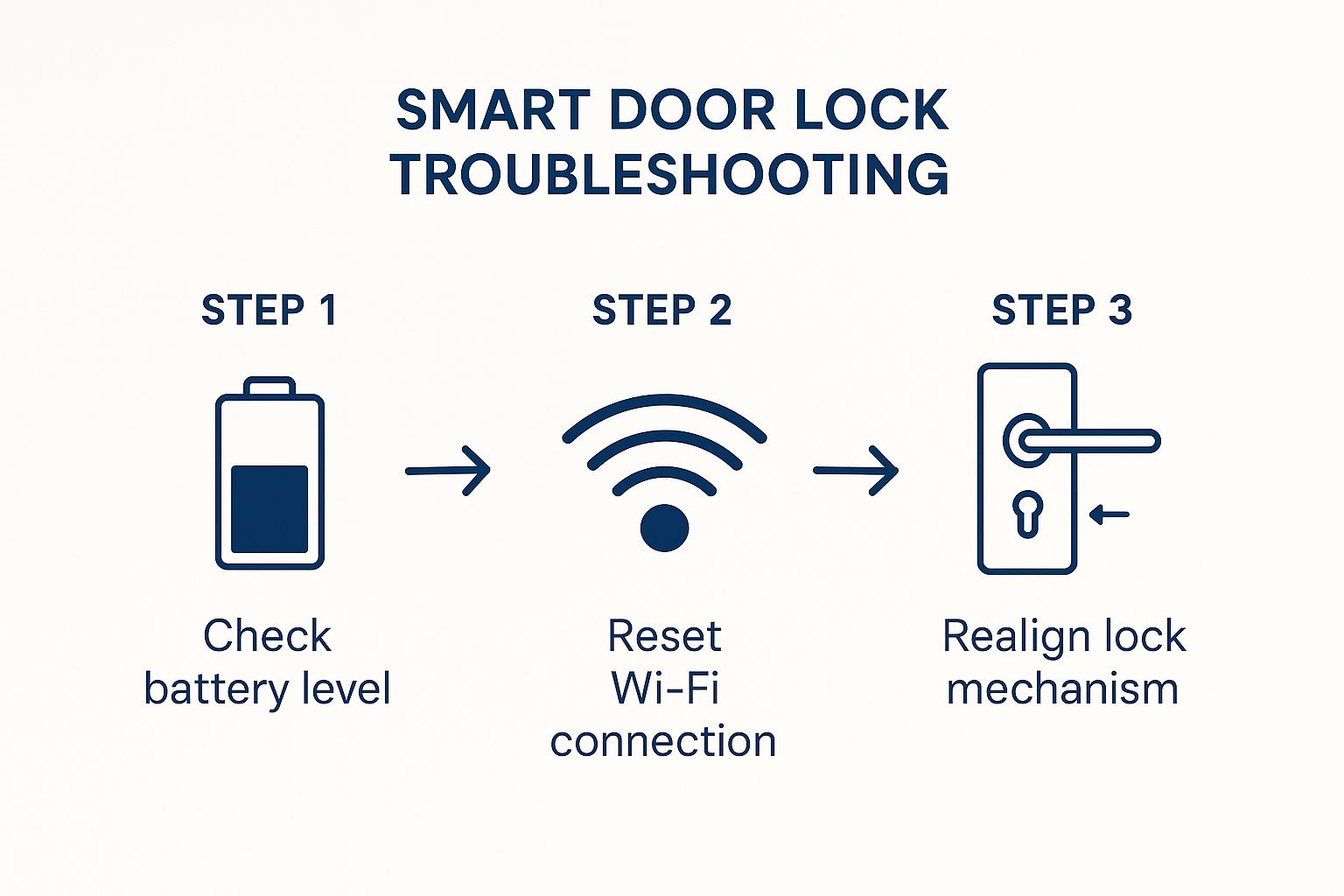
As you can see, checking the batteries, Wi-Fi, and physical alignment solves the vast majority of installation headaches.
The Final Checks Before Victory
Before you pop the batteries in and call it a day, do a quick manual test. Turn the thumb-turn on the inside. Does the deadbolt slide in and out smoothly? Does it feel like it’s catching or grinding on anything? If it’s not silky smooth, loosen the mounting screws slightly, give the whole lock a little jiggle to help it self-align, and then tighten them again.
Next, have a look at the strike plate—that’s the metal plate on your door frame where the deadbolt slides in.
- Alignment: Shut the door and throw the deadbolt. Does it slide perfectly into the hole?
- Smoothness: If you have to push or pull the door to get it to lock, your alignment is off. This puts a massive strain on the lock’s motor and will absolutely chew through your batteries.
- The Fix: You might need to file the hole in the strike plate a tiny bit larger or even reposition the plate itself to get that perfect, friction-free movement.
Don't skip this part. Poor alignment is one of the top reasons for smart lock malfunctions. A few minutes of adjustment here will save you a world of pain down the track.
And what about that moment of panic when you’ve cleaned up and find one "spare" screw left over? Don't stress. We've all been there. Go back over the instructions one last time—it’s probably an optional one for a different door type. Probably.
Connecting Your Lock to the 21st Century
Alright, the hard part is over. You've done the physical work, and the lock is sitting pretty on your door. High-five yourself—you've earned it. Now for the bit that actually makes it ‘smart’. We’re about to connect this clever piece of kit to your home Wi-Fi and your phone.
This is where the magic really happens. You’re about to turn a simple lock into a connected device you can control from anywhere. So, grab your smartphone, find the app mentioned in the lock’s manual, and let’s get this thing online.
Getting Paired Up
First things first, get that app downloaded. It’ll walk you through creating an account, which becomes your command centre for everything the lock can do. Once you’re logged in, the app will ask you to start the pairing process. This usually means pressing a button on the lock’s interior until a little light starts to blink.
So, what’s going on when you see that flashing blue or green light? The lock is sending out a temporary Bluetooth signal, basically saying, "Hey, I'm over here, ready to connect!" Your phone’s app hears that signal, they have a quick digital handshake, and you’ll then be prompted to connect the lock to your home Wi-Fi network.
This step is obviously crucial for remote access, but it's also where having a strong home network really pays off. A weak signal reaching your front door can lead to frustrating delays when you’re trying to lock or unlock it remotely. If you're a bit worried about your network's reach or security, it's well worth looking into how to properly secure your Wi-Fi network to make sure all your smart devices run smoothly.
Unlocking the Fun Stuff in the App
With your lock officially online, it’s time to explore the features that will make you wonder how you ever put up with old-school keys. The immediate "wow" factor is huge.
Let's start by setting up some user codes. This is where the real convenience kicks in.
- Family Members: Give everyone their own unique 4-8 digit PIN. No more getting spare keys cut!
- The Tradie: Got a plumber coming to fix a leaky tap while you're at the office in Sydney? Just create a temporary code that only works for a specific two-hour window.
- The Dog Walker: You can set up a recurring code that only grants access between 1 pm and 2 pm on weekdays. Simple.
The ability to manage access from anywhere is a genuine game-changer. I remember setting up my first one and creating a code for my parents. The first time they used it, I got a notification, and it felt like I'd just unlocked a new level of home management.
Beyond just codes, you'll want to check out the activity log. This is a real-time feed showing you exactly who unlocked the door and when. It’s incredibly reassuring to get a pop-up on your phone letting you know the kids are home safe from school.
You can also tweak the auto-lock feature. I love this one. You can set it to automatically bolt the door after a set time, like 30 seconds or five minutes. That little moment of panic on the train to Newcastle—"did I actually lock the door?"—becomes a thing of the past.
This whole ecosystem is part of a massive trend. The Australian smart lock market, valued at around $110 million AUD, is growing like crazy as more of us embrace the ease of keyless entry. It’s all powered by the Internet of Things (IoT) and artificial intelligence, making our homes not just smarter, but genuinely more secure and easier to run. You can discover more insights about this growing market and its future trends.
Welcome to the 21st century—your keys are now officially redundant.
Got Questions About Your Smart Lock Install?
Still have a few things you're wondering about? You're definitely not alone. We get asked these all the time by people we're helping out across Sydney and the Central Coast as they get to grips with their first smart door lock installation.
What Happens If the Power Goes Out or the Wi-Fi Dies?
This is easily the biggest question we hear, and for good reason! The short answer is: you won’t be left standing on your doorstep. Smart lock designers have already thought this through.
Pretty much every smart lock worth its salt comes with a physical key override, so you’ve always got a good old-fashioned backup. Plus, they run on their own batteries, so a power cut in the neighbourhood won't affect the lock one bit.
If your Wi-Fi decides to take a break, you can still use your phone's Bluetooth to unlock it when you're standing nearby, or just tap in your PIN code on the keypad. The only feature you'll temporarily lose is the ability to lock or unlock it remotely from the other side of town.
How Safe Are Smart Locks from Hackers?
It’s a totally fair question in our connected world. The good news is that reputable brands use some seriously heavy-duty encryption—often AES 128-bit or 256-bit, which is the same security standard your bank uses to protect your money online.
To keep your digital front door as secure as possible, I always recommend a few simple habits:
- Create a strong, unique password for the lock's app account. Don't reuse your email password!
- Always switch on two-factor authentication (2FA) if the app has it. It's a massive security boost.
- Keep the lock's firmware up to date. Those updates often contain important security patches.
Frankly, the physical strength of a well-installed smart deadbolt is often a huge improvement on the flimsy old lock it replaced.
The cost of home security has become much more accessible, and smart locks are a big part of that. Understanding the real costs of home security companies shows how modern tech provides top-tier protection without the old-school price tag.
Is It a Pain to Fit Them on Older Doors?
Honestly, it depends on the door. Most smart locks are made to fit the standard door specs you'd find anywhere in Australia. The main things to double-check on an older door, say in a Newcastle cottage or a Sydney terrace house, are the door's thickness and the 'backset' measurement (the distance from the edge of the door to the centre of the lock).
If you’ve got a particularly chunky old door or a vintage mortice lock, you might be in for a bit of extra work with a drill or chisel to get a clean fit. My best advice? Measure everything twice before you even think about buying. A little prep work makes sure your smart door lock installation is a breeze.
Ready to upgrade your home with smart, reliable security? The team at Advanced Comtech has decades of experience helping Central Coast, Sydney, and Newcastle residents secure their homes with the latest technology. We ensure a perfect installation every time, giving you total peace of mind. Find out more at https://advancedcomtech.com.au.





