
Picture this: you're paying for a top-tier NBN plan, the equivalent of a brand-new, multi-lane freeway running right past your street. But the driveway to your house? It's a pothole-ridden dirt track. You'll never get your Ferrari up to speed on that, will you? Well, that's exactly what could be happening inside your walls. The quality of your cabling for NBN is probably the single biggest bottleneck for your internet speed, and getting your internal wiring sorted is the real key to unlocking the fast, reliable connection you're forking out for.
Your NBN Is Only as Good as Its Cabling
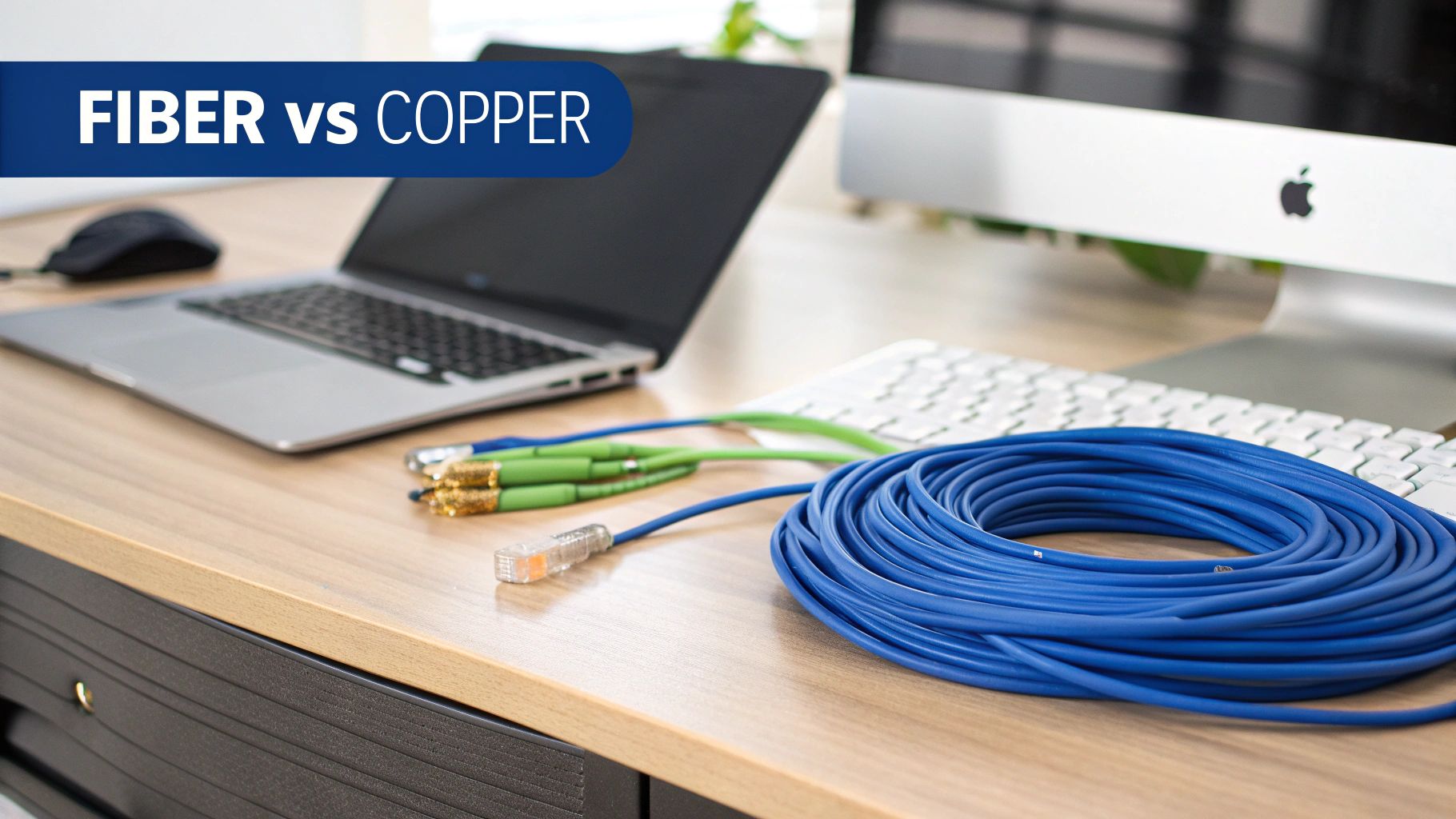
Ever wonder why your mate over in Gosford gets incredible NBN speeds while you’re stuck staring at the buffering wheel of doom in Hornsby? It’s not just bad luck—it's almost certainly the cabling. The NBN rollout across Australia, particularly around Sydney and Newcastle, has been a bit of a mixed bag. This "tech lottery" means your next-door neighbour could be hooked up with pure fibre, while you're left with the original, ageing copper phone lines.
Let’s take the "Joneses," a typical family living on the Central Coast. With two parents working from home and a couple of kids hitting Netflix hard after school, their internet was a constant source of frustration. Dropouts were a daily occurrence. They kept upgrading their NBN plan, hoping for a fix, but nothing changed. The problem wasn't their provider or the plan; it was the ancient, tangled mess of phone wiring inside their walls, which was strangling their connection long before it even reached the modem.
Why Old Wires Are a Speed Killer
Most older Aussie homes were wired up in an era when the landline phone was king, not high-speed data. This old-school copper wiring is a magnet for problems that can absolutely cripple your internet performance.
- Signal Loss: Data signals get weaker the further they have to travel along old copper. It’s like a fading radio station on a long drive up the M1.
- Interference: Poorly shielded copper wires are easily disrupted by everything from your microwave to other electrical cables, creating 'noise' that messes with your connection.
- Physical Damage: Decades of renovations, curious pests, or just general wear and tear can cause tiny breaks in the cable that lead to massive connection headaches.
The NBN connection is only one half of the equation. Your home’s internal network wiring is the other half, and if it’s not up to scratch, you're essentially pouring high-speed internet into a leaky bucket.
As soon as the Joneses got a registered cabler in to rip out the old phone lines and install dedicated Ethernet cabling, their digital life was transformed. Work video calls were suddenly crystal clear, and movie nights were finally free of buffering. Their story really drives home a crucial point: investing in proper cabling for NBN is every bit as important as picking the right internet plan.
Taking a look at what’s running through your walls is the first step toward getting the internet experience you're actually paying for.
Decoding the Different NBN Connection Types
Let's be honest, the NBN loves its acronyms. FTTP, FTTN, HFC—it’s enough to make your head spin faster than a dodgy washing machine. But don't stress, we're here to translate the tech-speak into plain English. This is your ultimate field guide to the different types of cabling for NBN you might find running to your place.
Think of the NBN as a brand-new freeway. Some lucky folks get their own private off-ramp leading directly to their driveway. Others have to get off a few suburbs away and navigate the old, bumpy local roads to get home. That’s the NBN tech lottery in a nutshell, and the type of "road" you have determines your internet experience.
The Gold Standard: Fibre to the Premises (FTTP)
This is the one you want. The bee's knees. Fibre to the Premises (FTTP) is that private off-ramp we were just talking about.
A super-fast fibre optic cable runs all the way from the main exchange, down your street, and plugs directly into an NBN box inside your home. It’s pure, uncongested speed, delivering the best performance and reliability the network can offer.
With FTTP, you’re getting the full-throttle experience. This means consistent gigabit-plus speeds are possible, making it perfect for data-hungry households or businesses needing rock-solid connections for video conferencing and cloud backups. It's the most future-proof option by a long shot.
The Hybrid Options: Fibre to the Node and Others
Now we get to the connections that use a mix of new and old technology. These are the most common types and where most of the confusion (and frustration) comes from.
- Fibre to the Node (FTTN): In this setup, the fibre freeway ends at a green cabinet (a "node") somewhere on your street. From there, the connection travels the rest of the way to your house using the old copper phone line. The further your house is from the node, the slower and less reliable your internet will be.
- Fibre to the Curb (FTTC): This is a step up from FTTN. The fibre runs much closer to your home, ending at a small pit in the footpath out the front. A short length of copper then completes the final leg into your house. It’s generally faster and more stable than FTTN but still reliant on that final copper link.
- Hybrid Fibre Coaxial (HFC): If you had Foxtel or cable TV back in the day, you might have an HFC connection. This uses the existing "pay TV" coaxial cables to deliver the NBN to your home. It's a solid performer and can achieve very high speeds, often on par with FTTP.
The National Broadband Network is a massive project, aiming to connect over 12.5 million premises. The big push now is to get as many people onto full fibre as possible, with 4.74 million premises already having made the switch from older copper-based connections to the superior performance of FTTP.
The key takeaway? Any connection that relies on the old copper phone network for the final stretch is a compromise. It introduces a potential bottleneck that limits your maximum speed and can be more susceptible to dropouts, especially during bad weather.
What About Regional and Remote Areas?
For those living in more spread-out areas of the Central Coast hinterland or rural properties outside Newcastle, fibre connections aren't always practical. That's where wireless and satellite technologies come in.
- Fixed Wireless: An antenna on your roof points to a local NBN tower, beaming the internet to your home wirelessly. It's a great solution for regional areas, offering decent speeds without the need for physical cables.
- Sky Muster Satellite: For the most remote locations, a satellite dish provides the connection. While it gets you online, it can suffer from higher latency (lag), which can affect things like online gaming. For serious users in these areas, exploring options like Starlink might be a better alternative.
Let's break down these common connection types in a simple table to see how they stack up.
NBN Technology Types at a Glance
| NBN Tech Type | What It Means | Type of Cabling to Your Home | Typical Speed Potential |
|---|---|---|---|
| FTTP | Fibre to the Premises | Fibre Optic | Highest (up to 1000 Mbps and beyond) |
| HFC | Hybrid Fibre Coaxial | Coaxial (Pay TV) Cable | Very High (up to 1000 Mbps) |
| FTTC | Fibre to the Curb | Fibre to the footpath, then Copper | High (up to 100 Mbps) |
| FTTN | Fibre to the Node | Fibre to a street cabinet, then Copper | Variable (depends on distance, 25-100 Mbps) |
| Fixed Wireless | Wireless to a Tower | N/A (Antenna on roof) | Good (up to 75 Mbps, sometimes higher) |
| Satellite | Sky Muster | N/A (Satellite dish) | Basic (up to 25 Mbps, higher latency) |
This table gives you a quick snapshot, but remember, the cable running to your house is only half the story. The cabling inside your house matters just as much.
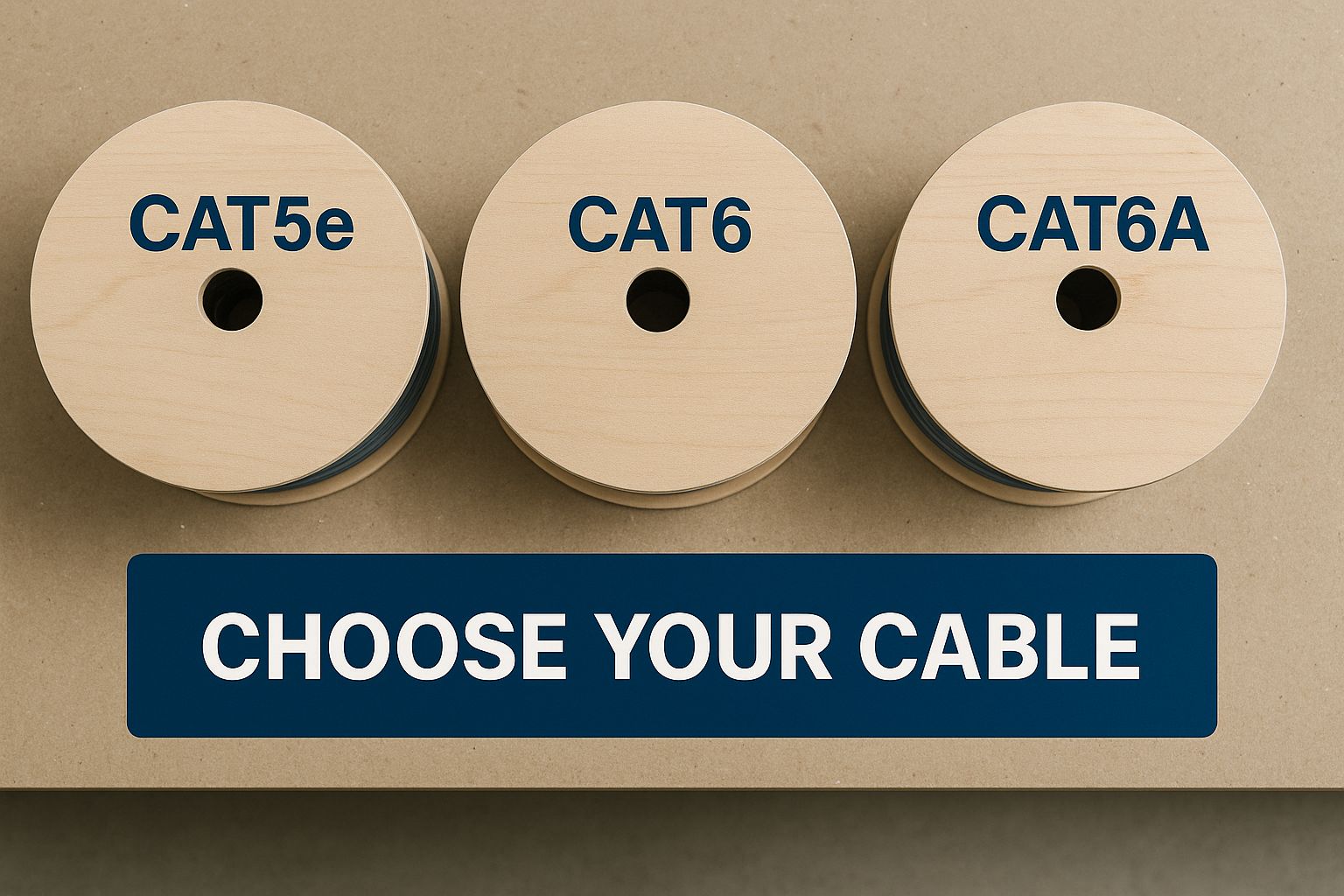
Choosing the right internal Ethernet cable, like Cat6 or Cat6A, ensures you don't create a bottleneck inside your own home and can actually enjoy the speeds you're paying for.
How to Upgrade to a Full Fibre NBN Connection
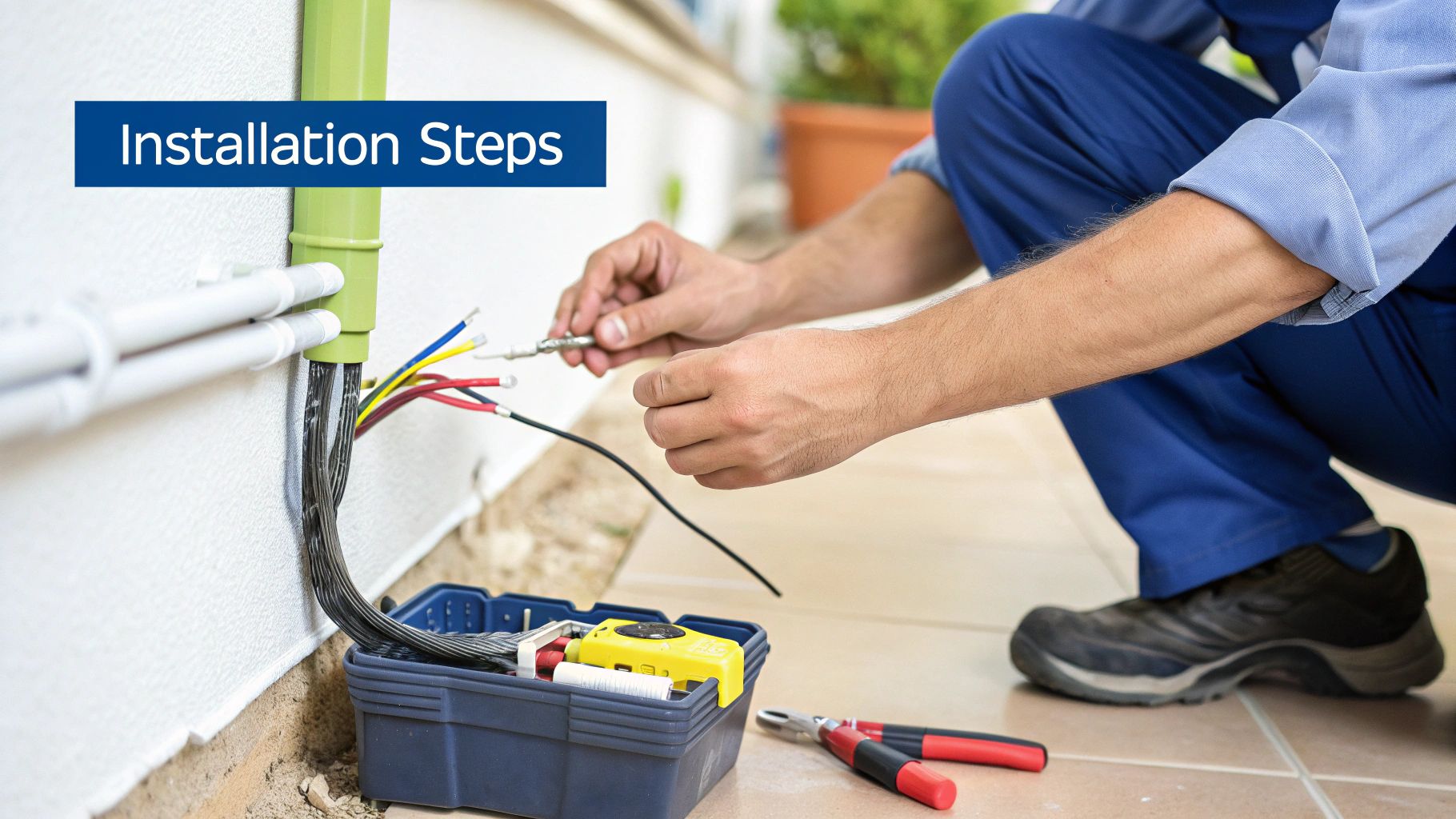
So, you’ve done the detective work and found out you’re stuck on a Fibre to the Node (FTTN) connection. Now you’ve got a serious case of ‘fibre envy’, watching your mates in other suburbs enjoy lightning-fast downloads while you’re still battling the buffer wheel.
The good news is, you’re not stuck with the old copper forever. NBN Co is rolling out a massive upgrade program, and millions of Aussies are eligible for a free upgrade to a full-fibre FTTP connection.
This is your step-by-step guide to making it happen. We’ll ditch the jargon and give you the practical, no-nonsense advice you need to finally get the internet you deserve.
A Newcastle Cafe's Upgrade Journey
Let's talk about Dave, who runs a popular little cafe in Newcastle. His business relied on a stable internet connection for everything from his EFTPOS machine to his online ordering system. But his FTTN connection was dodgy at best.
On busy Saturday mornings, the EFTPOS machine would drop out, forcing him to ask customers for cash—a real killer for business.
Dave was fed up. He’d heard about the FTTP upgrade program and decided to see if his cafe was eligible. His journey is a perfect real-world example of how the process works.
Step 1: Check Your Eligibility
First things first: you need to find out if your address is even on the upgrade list. It’s surprisingly simple.
- Head to the NBN Co Website: They have an address checker right on their homepage.
- Pop in Your Address: Type in your full address and hit enter.
- Look for the Magic Words: The site will tell you what technology you're currently on (e.g., FTTN) and if you're eligible to upgrade to FTTP. It might say something like "Upgrade to Fibre to the Premises available".
Dave did this and discovered his cafe was on the list. Bingo! He was one step closer to reliable transactions.
The FTTP upgrade program is NBN Co's initiative to replace ageing copper lines with high-speed fibre. To qualify for a free installation, you generally need to order a plan with a minimum wholesale speed, typically around 100 Mbps or higher.
Step 2: Contact Your Internet Provider
This is where a lot of people get confused. You don't order the upgrade directly from NBN Co. You need to go through your internet service provider (ISP)—the company you pay your monthly bill to.
Dave called his provider, told them he was eligible for the FTTP upgrade, and said he wanted to switch to a faster plan. The provider then handled all the backend stuff, placing the order with NBN Co and getting the installation scheduled.
- Choose a qualifying plan: You’ll need to sign up for a higher speed tier to trigger the free upgrade. Most providers have specific "FTTP Upgrade" plans.
- Confirm the details: Your ISP will walk you through the process and help book the NBN technician appointment.
Step 3: Prepare for Installation Day
When the NBN technician arrives, their job is to run the new fibre optic cable from the street to your property and install the necessary equipment inside. This involves installing a small NBN utility box on an outside wall and a Network Termination Device (NTD) or "NBN connection box" on an inside wall.
The location of this internal box is critical for good Wi-Fi, so it's worth planning ahead. A central location is always best.
If the most convenient entry point for the fibre is in a bad spot like the garage, it's a smart move to get a professional to run internal wiring. For more on this, check out our guide to professional data cabling installation.
Once the technician finished at Dave's cafe, he plugged his router into the new NBN box, and the difference was night and day. His EFTPOS machine never dropped out again, online orders flowed in seamlessly, and he could even offer free, fast Wi-Fi to his customers. He finally had the reliable connection his business needed.
Why Your Internal Home Wiring Is a Speed Killer
So, you've just had a shiny new FTTP connection installed. The NBN technician gives you the thumbs-up and leaves, you race to run a speed test… and the results are, well, rubbish. What gives? Nine times out of ten, the real villain isn't the NBN itself, but the dodgy old wiring hiding inside your walls.
Think of it like this: your new NBN connection is a high-performance V8 engine. But if you connect that engine to the wheels of a rusty old skateboard, you're not going to be breaking any land speed records. Old phone lines, cheap and nasty Ethernet cables from the two-dollar shop, and poor modem placement can all murder your internet speeds before the signal even gets to your laptop.
The Tale of the Terrigal Beach House
Let me tell you about Sarah, who recently moved into a gorgeous older beach house in Terrigal. She signed up for the fastest NBN plan she could get, picturing flawless 4K movie nights and work video calls without the dreaded freeze-frame. The NBN installation itself went off without a hitch, but her daily reality was a nightmare of constant buffering and connection dropouts.
After a frustrating call to her internet provider, they confirmed the signal hitting her house was perfect. The bottleneck had to be somewhere inside. A quick look revealed the problem: her home was a spider's web of ancient phone wiring, with a bunch of old, unused sockets all linked together. Her modem was plugged into the very last, weakest point of this convoluted chain.
This rats-nest setup was creating so much electrical "noise" and signal degradation that her lightning-fast connection was being choked down to a mere trickle. Sarah's story is incredibly common, especially across the Central Coast and Sydney, where beautiful character homes often conceal some truly cursed cabling.
Ditching the Dodgy Wires
For Sarah, the fix was to bypass the old phone lines entirely. A registered cabler installed a dedicated data point, running a fresh, high-quality cable straight from the NBN connection box to a central location in her living room.
This is where choosing the right cabling for NBN is absolutely crucial.
- Cat6 Cable: This is the go-to standard for modern home networks. It’s built to handle gigabit speeds without breaking a sweat and has much better shielding to fight off interference from your TV, microwave, and other electrical gear.
- Cat6a Cable: Think of this as the premium, high-octane fuel for your network. It supports even faster speeds (up to 10 Gigabits) and has superior shielding, making it the best choice if you want to future-proof your home while the walls are open.
It's simple, really. Using old phone wire for your NBN is like trying to water your garden with a leaky, pinched hose. Installing a dedicated Cat6 data cable is like switching to a brand-new fire hose—you get the full, unrestricted flow you're paying for.
Creating a Network That Actually Works
The moment Sarah had that clean data point installed, her speeds went through the roof. The buffering vanished, and her Wi-Fi became rock solid. Getting a registered cabler to install proper data points is hands-down the best investment you can make to fix your internet woes. It’s the only way to build a home network that delivers the speed you're promised to every corner of your house.
A professional can help you map out the best layout, whether that's a single point for your main router or multiple outlets for a home office, entertainment unit, or a mesh Wi-Fi system. If you want to dig deeper into getting your internal wiring sorted, check out our guide on home network cable installation. Don’t let ancient wires ruin your modern internet.
Solving Common NBN Cabling Problems
So, the internet’s dropped out right in the middle of a crucial Knights game? Or Stan keeps buffering just as you get to the cliffhanger? Before you launch your modem out the window, let’s do a bit of detective work. You’d be surprised how many of those infuriating NBN issues actually trace back to a simple, physical problem with your cabling.
This section is your go-to guide for figuring out what’s wrong and how to fix it. We’ll cover the dead-simple DIY checks first, then move on to spotting the more serious problems that need a professional touch. Think of it as NBN first aid for your home.
The DIY Troubleshooting Checklist
Before you spend an hour on hold with your internet provider, run through these simple checks. They might sound a bit obvious, but honestly, a loose connection is the culprit more often than not. It's the tech equivalent of checking if the telly is plugged in before declaring it broken.
Start with the basics:
- The Wiggle Test: Go to your NBN box and your modem and check every single cable. Are they all clicked in securely? It's amazing how often a cable gets nudged by the vacuum cleaner, causing intermittent dropouts.
- Inspect Your Cords: Have a good look at your Ethernet and phone cords. See any obvious fraying, sharp kinks, or bite marks? Your cat might think the modem cable is a fantastic new chew toy, but that can completely kill your connection.
- The Classic Reboot: Yes, the old "turn it off and on again" trick. It genuinely works. Unplug both your NBN connection box and your router from the power, wait a full minute, and then plug them back in.
If these quick steps don’t get you back online, it’s time to look a bit deeper at the physical cabling for NBN that might be causing the drama.
When the Problem Is Hiding in the Walls
Sometimes, the issue isn't a loose cord you can see, but a more hidden fault. A classic scenario we see all the time on the Central Coast is the 'my internet only works in one room' complaint. This almost always points to a dodgy data point or a problem somewhere in the internal wiring itself.
Your internet connection is a physical journey. If the path is damaged—whether it’s the conduit from the street or the old copper wiring in your walls—your data simply can’t make it to the finish line reliably.
This is where you need to know your limits. You can easily replace a frayed Ethernet cable yourself, but touching anything inside the wall sockets or the main NBN line is a job for a licensed professional. It's not just risky; it's illegal to do it yourself. A pro can quickly diagnose a damaged lead-in conduit or a fault in an internal line. To get a better sense of this, our article on installing data points breaks down why getting a licensed cabler is so critical.
The quality of this physical connection has a massive impact on your speed. As more Aussies have upgraded from old copper lines to full fibre, the number of services hitting over 100 Mbps has skyrocketed. Millions are still on older connection types, and their limitations really highlight why good cabling is the foundation for a decent experience. The ACCC’s regular reports are a great source if you want to geek out on the data.
Common Problems and Who to Call
Knowing who’s responsible for which bit of cable can save you a world of headaches. Here’s a quick rundown of common faults and who you should be calling first.
| Problem Description | Likely Cause | Who to Call First |
|---|---|---|
| No connection at all, lights on NBN box are red. | A fault in the NBN network outside your property. | Your Internet Provider |
| Wi-Fi is slow or drops out in certain rooms. | Poor router placement or an issue with internal wiring. | Try moving your router, then call a Registered Cabler |
| Internet drops out when the phone rings (on FTTN). | A faulty filter or interference from old phone wiring. | A Registered Cabler |
| Connection is unstable, especially after bad weather. | Potential damage to the lead-in cable from the street. | Your Internet Provider |
Pinpointing the source of your NBN woes is half the battle. By following these steps, you can figure out whether it's a quick fix you can handle yourself or if it's time to call in the experts to sort out your cabling for NBN once and for all.
Your NBN Cabling Questions Answered
We get a stack of questions about NBN cabling every week. From confusion over who's allowed to touch what, to whether a new NBN connection will magically fix terrible Wi-Fi, there's a lot of grey area. So, we've pulled together the most common queries we hear from folks across the Central Coast, Sydney, and Newcastle, and laid out some clear, straight-up answers to help you navigate your NBN journey with a bit more confidence.
Do I Need a Special Technician for NBN Cabling?
Yes, you absolutely do. This is probably the most critical point to get your head around. In Australia, any cabling that connects to the wider telecommunications network—and that includes anything that links back to your NBN box—must be installed by a registered cabler. It's a legal requirement under the Australian Communications and Media Authority (ACMA) rules.
Think of it like your home's electrical wiring. You wouldn't let your mate who's "good with gadgets" rewire your switchboard, right? The same principle applies here. A registered cabler has the proper training, tools, and an 'Open' registration that allows them to legally and safely work on the network.
When NBN Co sends a technician out to connect your home, their job typically ends at the NBN connection box they install on your wall. If you need any new data points run to your home office, your existing internal phone wiring fixed, or a new line run from a poorly placed NBN box, you need to hire your own registered cabler to do that work. It’s the only way to ensure it’s done safely and doesn’t risk interfering with the network for you or your neighbours.
What Is the Best Ethernet Cable for NBN?
This is a fantastic question, because not all cables are created equal. Using a cheap, flimsy cable from the bargain bin is like putting retread tyres on a V8 Supercar—you're just crippling its performance from the get-go.
Let's use a simple analogy. Think of Ethernet cables as different grades of plumbing for your internet.
- Cat5e: This is the old, standard-issue copper pipe. It's fine for basic NBN plans and can technically handle speeds up to 1 Gigabit per second (Gbps) over short distances, but it's more susceptible to interference.
- Cat6: This is a much better, wider pipe. It’s the modern standard and is designed to handle gigabit speeds more reliably and with less signal "noise" or interference. If you're getting any new cabling for NBN installed in your walls, Cat6 is the absolute minimum you should accept.
- Cat6a: This is the premium, future-proof fire hose. It’s built for blazing-fast speeds up to 10 Gbps and has superior shielding. While it might seem like overkill now, if you're renovating or building, installing Cat6a means your home’s data infrastructure will be ready for whatever comes next, saving you a huge headache down the track.
For most homes in places like Hornsby or Gosford, Cat6 is the sweet spot. For a new build or a serious home office setup, spending a little extra on Cat6a is a brilliant investment.
The type of Ethernet cable you use inside your home is just as important as the NBN connection coming into it. Choosing at least Cat6 ensures you're not creating an internal bottleneck that wastes the speed you're paying for.
My NBN Connection Point Is in a Bad Spot Can I Move It?
We hear this one all the time. The NBN technician has installed the connection box in the corner of the garage or a front bedroom, and now your Wi-Fi signal is terrible everywhere else in the house. It's a common story from Terrigal to Newcastle.
So, can you move it? The short answer is yes, but it requires a professional.
You can't physically move the NBN Network Termination Device (NTD) itself—that box is the official end-point of NBN's network. However, what a registered cabler can do is run a high-quality data cable from that inconvenient spot to a much more central location in your house.
For example, we can install a dedicated Cat6 cable that runs from the NTD in your garage, through the wall or ceiling cavity, to a new data point behind your TV in the living room. You then plug your router into this new, centrally located point. This gives your Wi-Fi router the best possible starting position to broadcast a strong, reliable signal throughout your entire home. It’s the single most effective way to fix a poorly located NBN point.
Will Upgrading to FTTP Fix My Slow Wi-Fi?
This is the classic "yes and no" answer. Upgrading from an old copper-based connection like FTTN to a full-fibre FTTP connection is a game-changer for the internet speed coming into your house. It removes that old, unreliable copper bottleneck and gives you a much faster, more stable pipeline to the internet.
However, it won't magically fix Wi-Fi problems that are caused by issues inside your house.
Imagine your slow Wi-Fi is because your router is a decade old, or it’s tucked away in a cupboard at one end of a big brick house. Upgrading to FTTP is like widening the main water pipe to your property from a garden hose to a fire hose. You now have a massive amount of water (or data) available. But if you still have tiny, rusty pipes inside the house (your old router and bad placement), the water pressure in the shower (your Wi-Fi speed) will still be terrible.
The best strategy is to see an FTTP upgrade as part one of a two-step process.
- Get the FTTP upgrade to ensure you have the fastest possible connection delivered to your doorstep.
- Sort out your internal network with a modern router, good placement, and maybe even a mesh Wi-Fi system to properly distribute all that newfound speed to every nook and cranny.
Pairing a great connection with a great internal setup is the only way to get the incredible Wi-Fi experience you're after.
If you're tired of battling dodgy connections and want to make sure your NBN is performing at its peak, get in touch with the experts. Advanced Comtech has over three decades of experience sorting out NBN cabling, data points, and Wi-Fi solutions for homes and businesses across the Central Coast, Sydney, and Newcastle. Visit us online to learn how we can get you connected the right way, first time.





