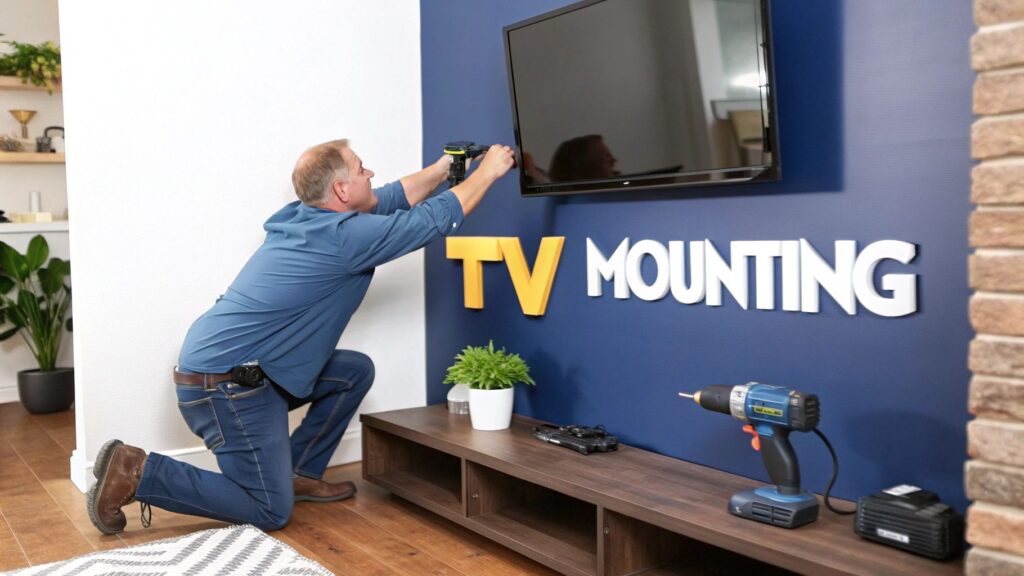
Right then, let's talk about getting that new telly off the entertainment unit and onto the wall. A professional tv mounting installation is a total game-changer for any lounge room. It frees up so much space and gives the whole room a clean, modern vibe. But the big question always is: should you tackle it yourself after a trip to Bunnings, or is it better to call in the experts?
Should You DIY or Hire a Pro for Your TV Mount?
Let’s be honest, mounting a TV looks pretty straightforward on the surface. You buy a bracket, find a few studs in the wall, and Bob's your uncle. And for a lot of homeowners across the Central Coast and Newcastle, a DIY job is a perfectly achievable weekend project. Sometimes, it really is that simple.
But it’s not always a walk in the park.
I remember my mate Dave. Full of confidence, he decided to mount his brand-new 75-inch TV himself. He skipped using a stud finder, gave the plasterboard a few "she'll be right" knocks, and started drilling. Ten minutes later, his prized possession was in a heap on the floor, surrounded by a cloud of white dust and shattered dreams.
Dave learned a tough lesson that day: plasterboard alone cannot hold the weight of a heavy screen. His little DIY project ended up costing him a new TV plus a hefty plaster repair bill.
When to Call in the Professionals
Dave’s story isn’t a one-off, believe me. While a simple job on a standard timber-frame wall might be fine, some situations absolutely scream for a professional touch.
You should definitely consider a pro if you're facing:
- Tricky Wall Types: If you're dealing with brick, concrete, or those pesky metal studs you often find in newer Sydney apartments, your standard drill bit just won't cut it. You need specialised tools and know-how.
- Large or Expensive TVs: Got a screen that set you back more than your first car? The peace of mind that comes with a professional, insured installation is priceless. Don't risk it.
- A Clean, Cable-Free Look: If you want that ultra-clean finish with no dangling cords in sight, a pro can safely run all the cables behind the wall. It makes a world of difference.
When it comes to a safe installation, local knowledge is everything. It's about more than just drilling a few holes; it’s about understanding the different wall materials used in local homes, knowing how to conceal cables properly, and ensuring a rock-solid fit every single time.
A professional installer on the Central Coast brings the right tools, the right experience, and—crucially—the right insurance to the job. They've seen it all, from heritage-listed brickwork to the complexities of modern high-rises.
This is especially true for jobs that go beyond just the mount, like making sure you get perfect reception with a proper TV antenna installation. In competitive markets like Sydney, a vetted professional avoids the headaches that often come with unlicensed installers, who might quote around $300 but deliver a pretty dodgy result.
Planning Your Perfect TV Placement
Alright, hold your horses. Before you get all gung-ho with the drill, let's talk strategy. A successful TV mounting installation is all about the prep work. Nailing the placement is half the battle, and it'll save you from a sore neck and a room full of regret.
First up, think about the viewing height. The golden rule is to position the centre of the screen at eye level from your favourite spot on the couch. For most people, this is about 100-110 cm from the floor. Grab a mate to help you hold the TV (or even just a cardboard cutout of it) against the wall while you test a few spots from your sofa.
Next, consider the enemy of all binge-watchers: glare. Take note of where the sun hits the room during the arvo, especially in those sunny Central Coast homes. You don’t want a blinding reflection ruining the grand final.
Picking The Right Mount For The Job
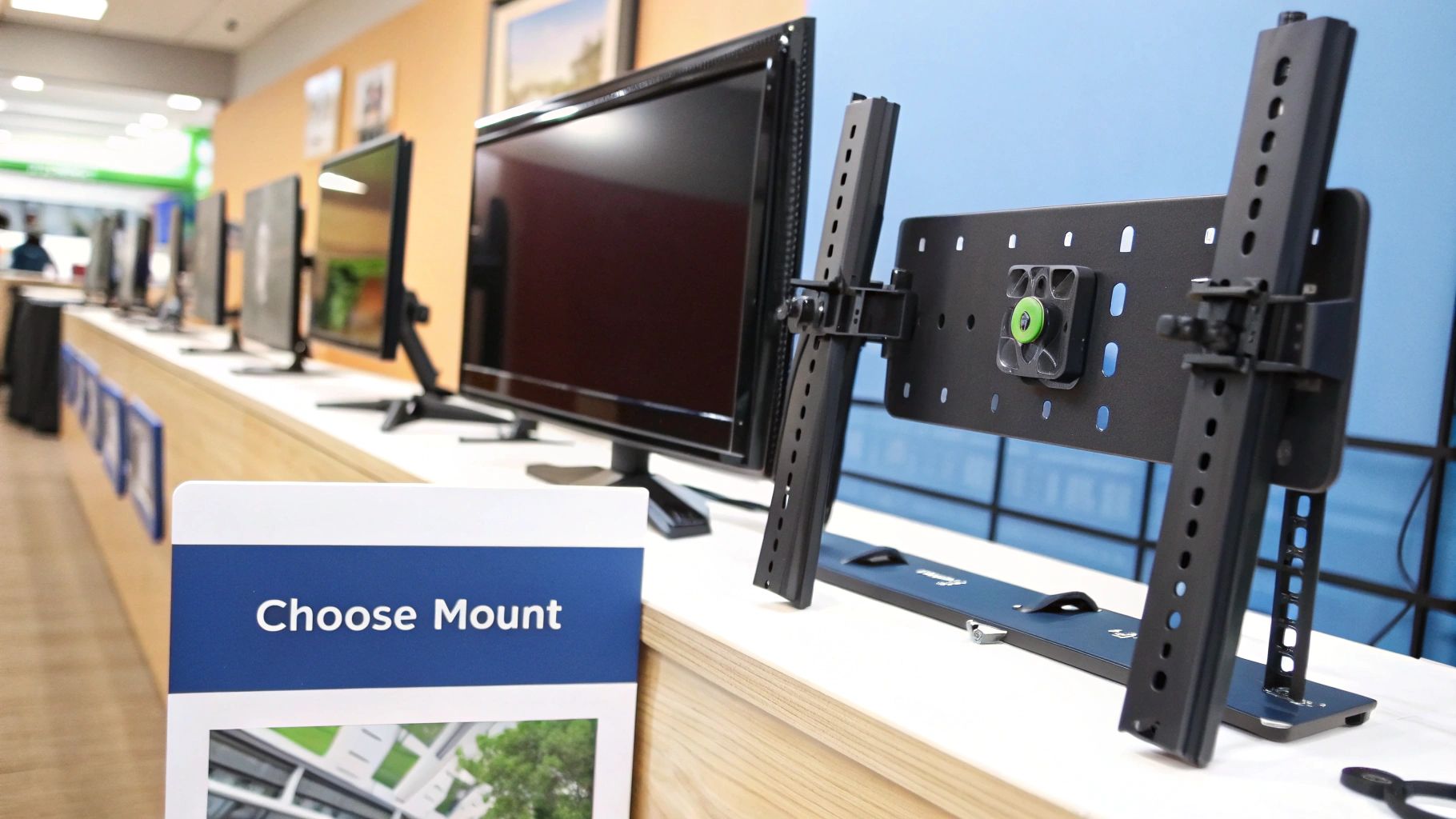
Once you’ve scouted the perfect location, it's time to choose your weapon—the wall mount itself. They're not all created equal, and the right one depends entirely on your room and how you watch telly.
To make it simple, I've put together a quick comparison to help you figure out what's best for your space.
Choosing Your TV Wall Mount
| Mount Type | Best For | Flexibility | Typical Aussie Price Range |
|---|---|---|---|
| Fixed | Minimalist setups where seating is directly in front of the TV. | Low – sits flat against the wall with no movement. | $30 – $80 |
| Tilting | Mounting above a fireplace or higher than eye level; helps reduce glare. | Medium – tilts up and down, but no side-to-side swivel. | $50 – $120 |
| Full-Motion | Open-plan living, corner placements, and easy access to ports. | High – extends, tilts, and swivels for perfect viewing anywhere. | $80 – $250+ |
As you can see, what you pick really comes down to your room's layout and how much you want to be able to adjust the screen.
A full-motion mount is also a lifesaver for accessing the ports at the back of your TV. If you're constantly plugging in gaming consoles or USB drives, you'll thank yourself for choosing one.
Choosing the right bracket is a crucial step in your TV mounting installation plan. It affects not just your viewing experience but also how seamlessly your setup integrates with other tech. In fact, a well-planned AV setup can be the first step towards a fully connected home, something we explore in our guide to audio visual and smart home systems.
Your Essential Toolkit
Before you start, you'll want to have a few key tools on hand. Don't be a hero—having the right gear makes the job easier and, more importantly, safer.
Your shopping list should include:
- A reliable stud finder (this is non-negotiable)
- A power drill and a good set of drill bits
- A socket set
- A spirit level
- A measuring tape
Trust me, your spirit level will become your new best mate. There’s nothing worse than finishing the job only to realise the screen is on a slight lean. It’ll drive you mad.
Getting Down to the Nitty-Gritty of Installation
Alright, you’ve done the homework, your tools are ready, and that new TV is calling your name. It's time to get it on the wall. Forget the confusing diagrams in the instruction manual; let's walk through this like a real-world project.
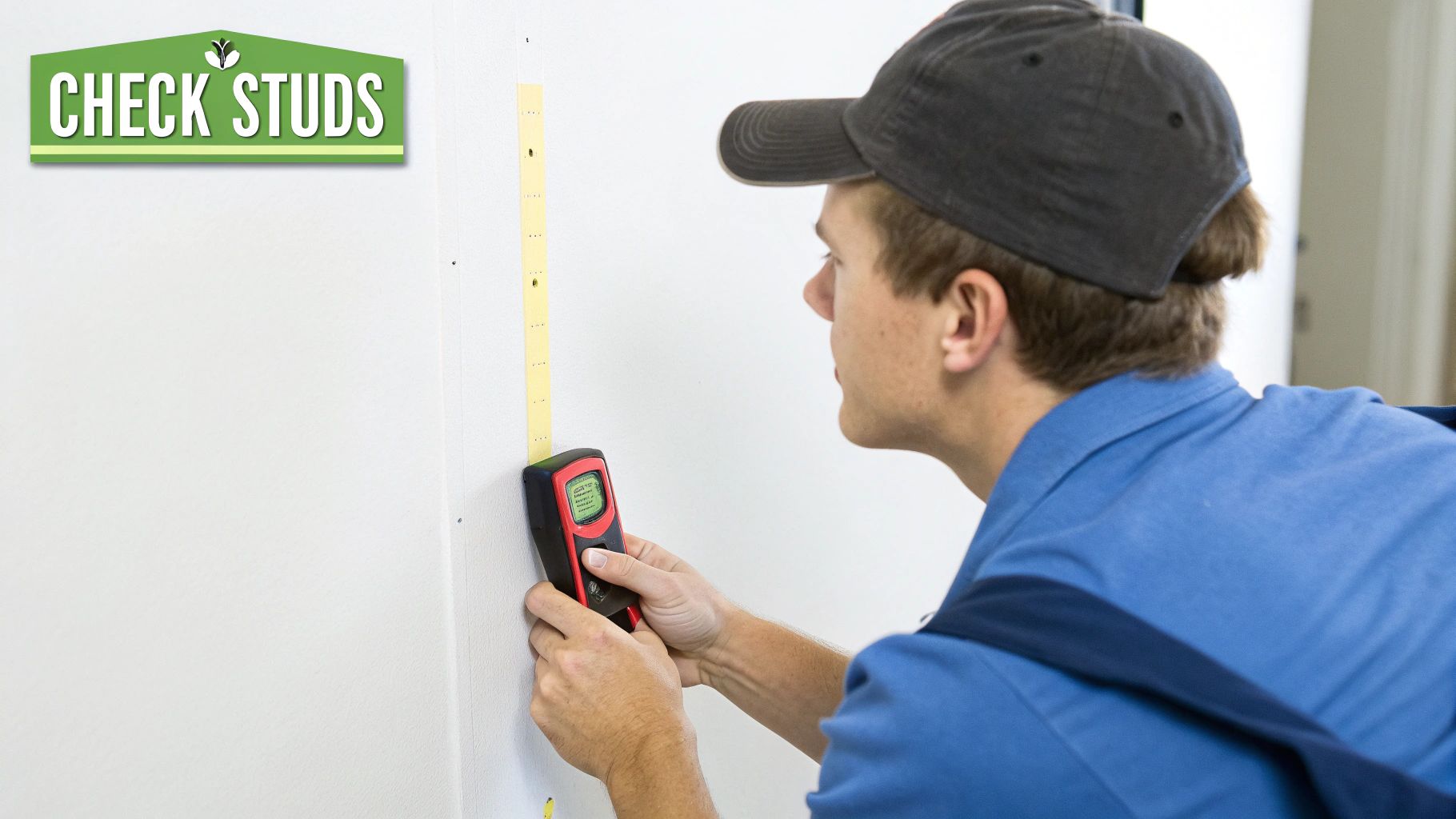
First things first, and I can't stress this enough: you absolutely have to find the wall studs. These are the vertical timber frames hiding behind your plasterboard, and they're the only things strong enough to hold your TV. Trying to "wing it" or thinking "close enough" will only end in tears and a very expensive accident.
Before you even pick up a drill, there are a few prep steps that will make the whole job smoother and safer. This image breaks it down nicely.
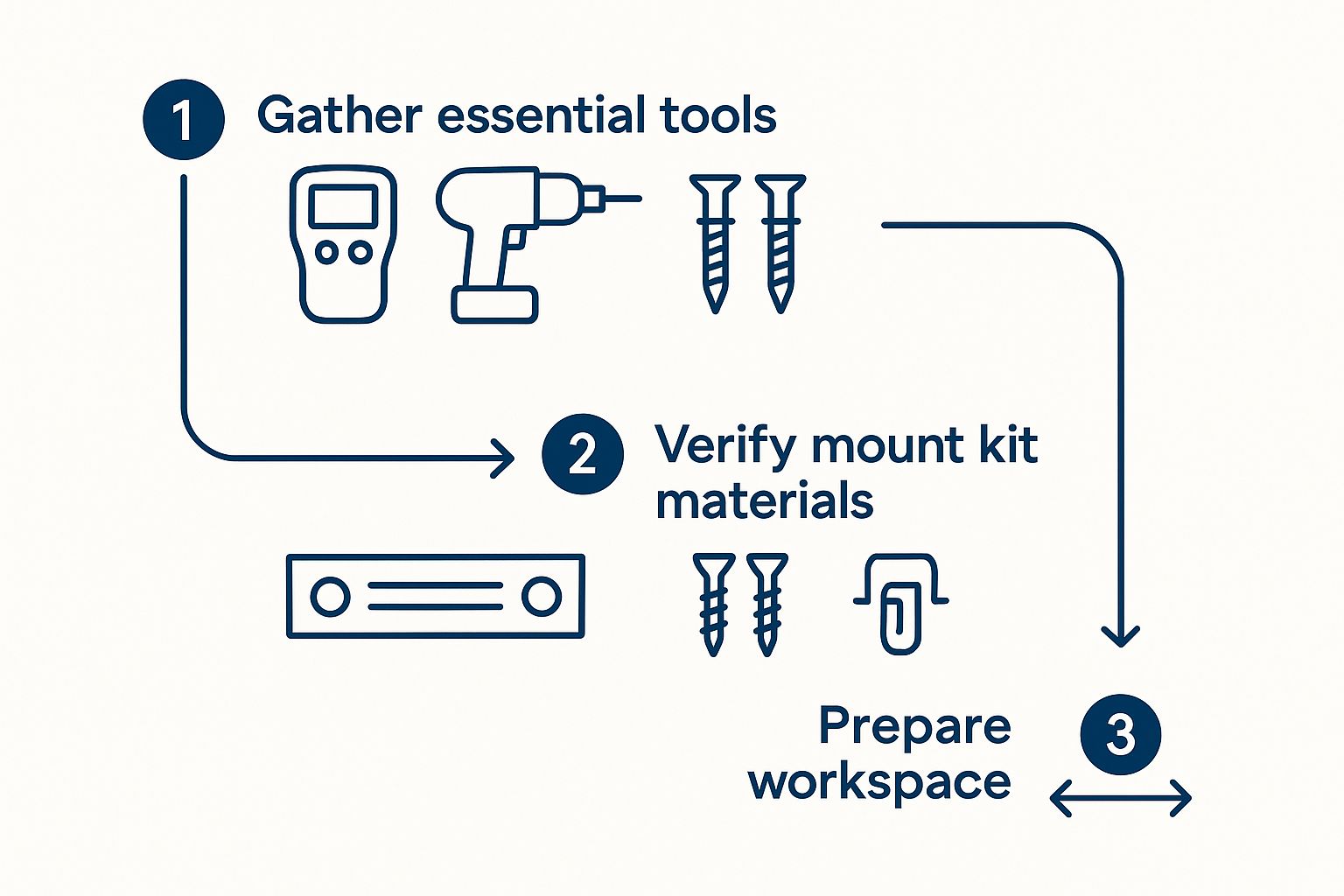
As you can see, simply getting your gear organised, double-checking you have all the parts from the mount kit, and clearing out your workspace are the foundations for a successful install.
Finding and Marking the Studs
This is where your stud finder becomes your most valuable player. Glide it horizontally across the wall. When it beeps or lights up, you've found the edge of a stud. Mark that spot lightly with a pencil. Continue sliding it until the signal drops off—that's the other edge.
The sweet spot you're aiming for is right in the middle of those two marks. To be absolutely sure, run the stud finder over the area a couple more times. Once you've pinpointed the centre, grab your spirit level and draw a faint vertical line. This is your drilling guide.
My go-to trick for 100% confidence: After the stud finder has done its job, I take a tiny nail and gently tap it into the wall where I think the centre is. If I feel solid resistance, bingo, I've hit timber. If it pushes through easily into an empty space, I've missed. It's a simple, old-school check that has never failed me.
Drilling and Attaching the Wall Bracket
With your studs marked, hold the wall bracket up against your vertical lines. Now's the time to grab that spirit level again. A slightly crooked bracket will look shockingly obvious once the TV is on it, so get it perfectly level. Use your pencil to mark the drill points through the holes in the bracket.
Next, it’s time to drill the pilot holes. You'll want a drill bit that's just a little bit smaller than the lag bolts provided with your mount. This ensures the bolt threads have plenty of timber to grip onto. Drill your holes right into the centre of the studs you marked.
With the holes prepped, you're ready to fix the bracket to the wall. A socket wrench is the best tool for tightening the lag bolts. You want the bracket to be completely firm and flush against the wall with zero wiggle room. Get it nice and tight, but be careful not to overtighten and strip the timber.
What to Do with Different Wall Types
Of course, not every wall in Sydney is simple plasterboard over timber. You might run into something a bit more challenging.
- Brick or Concrete: These are common in older homes, especially around the Central Coast. They're incredibly solid, but you'll need a hammer drill and proper masonry bits to get through them. Standard lag bolts won't work here; you'll need heavy-duty concrete anchors like Dynabolts.
- Metal Studs: Often found in newer apartment blocks, metal studs are hollow and won't hold the weight of a TV with regular screws. For these, you need to use special toggle bolts that anchor themselves from inside the hollow stud.
If you find yourself up against brick or metal studs, the job gets a lot more complex, and a small mistake can cause big problems. This is often the point where calling in a professional tv mounting installation service is the smartest move. It's also worth thinking about how this all connects. A beautifully mounted TV needs clean wiring. For more on that, take a look at our guide to professional data cabling installation to see how a planned approach makes all the difference.
Finally, attach the mounting arms to the back of your TV as per the instructions. Then—and please don't try this alone—get a friend to help you lift the TV. Carefully hook it onto the wall bracket, engage any safety locks, and you're done. Step back and enjoy a job well done
How to Hide Cables for a Professional Finish
Right, you’ve done the hard part. The TV is on the wall, it’s level, and it’s not going anywhere. You step back to admire your handiwork, and… oh. A tangled mess of black cables dangling down the wall. It’s a classic vibe-killer.
A truly professional tv mounting installation isn't complete until those cables are dealt with. This is the final touch that makes all the difference, separating a decent DIY job from a truly schmick, polished setup. Let's get it sorted.
The Quick and Easy Fix: Surface-Mounted Trunking
If you're after a simple, budget-friendly solution, you can't go past plastic cable trunking (sometimes called conduit). You can grab this stuff from Bunnings for next to nothing. It’s essentially a self-adhesive plastic channel that sticks straight onto your wall, letting you tuck the cables neatly inside.
The best part is that you can paint it the same colour as your wall, and from a distance, it practically vanishes. This is a brilliant option if you're renting, dealing with solid brick walls, or just don't feel like cutting into your plasterboard. Honestly, it takes about ten minutes to install and makes a world of difference.
Going Pro: Running Cables In-Wall
For that ultimate, super-clean finish, nothing beats running the cables behind the plasterboard. This is how you achieve that 'floating TV' look, with absolutely no visible cords. It might sound a bit full-on, but it's a very achievable project for a confident DIYer.
First, you’ll need a few specific tools for the job:
- Your trusty stud finder (again!) to make sure you're working in a hollow wall cavity.
- A drywall saw or jab saw to cut neat, clean holes.
- A couple of wall plates (look for 'brush plates' or 'grommets') to give the entry and exit points a professional finish.
- A fish tape or rod to help guide the cables through the wall.
It's absolutely critical to remember this: never run a standard TV power cord inside the wall. It’s a massive fire hazard and a big no-no according to Australian electrical safety standards. You must use a proper in-wall power kit with a pre-wired outlet and extension, or better yet, get a licensed electrician to install a new power point behind the TV.
The process itself is pretty straightforward. You cut a hole in the plasterboard behind where the TV sits, and another one further down the wall near your other gear. Then, you feed the low-voltage cables (like your HDMI and audio cables) down through the wall cavity using the fish tape. Pop the wall plates on to cover the holes, and you’re done.
This in-wall solution not only looks incredible but also keeps your setup clean and organised for the long haul. A tidy installation is often part of a bigger home tech plan. To see how seamless wiring fits into the grand scheme of things, check out our guide on home networking installation services, where a clean setup is everything.
What a Professional TV Installation Costs
So, you’ve weighed up the risks of a DIY disaster and decided to leave it to the pros. Fair dinkum. Sometimes the smartest move is knowing when to call in someone with the right gear and, more importantly, the right insurance.
But what’s it actually going to set you back?
Let's talk dollars and sense. The cost for a professional TV mounting installation isn't just a number plucked out of thin air. It’s a mix of a few key factors that can make the price swing from a pretty reasonable fee to a more significant investment in your home entertainment setup.
What Drives the Final Price
Think of it like ordering a coffee in Sydney—a simple long black is one price, but start adding oat milk, caramel syrup, and an extra shot, and the cost creeps up. TV mounting is pretty similar.
Here’s what a professional will consider when putting together a quote for you:
- TV Size and Weight: A bigger, heavier telly is often a two-person job and definitely needs a beefier mount. Both of those things will naturally nudge the price up.
- Your Wall Type: A standard plasterboard wall is the most straightforward scenario. But if you’ve got a double-brick beauty on the Central Coast or solid concrete walls in a city apartment, that means more time, more muscle, and specialised tools.
- The Mount Itself: A basic fixed mount will be your cheapest option. If you want a tilting one, or the king of them all—a full-motion articulating mount—the bracket itself and the labour to fit it will cost more.
- Cable Concealment: Are you after that ultra-clean, 'floating TV' look? Running the cables neatly inside the wall is a popular add-on, but it definitely adds to the complexity and the final bill.
The bottom line is you're not just paying for someone to drill a few holes. You’re paying for their expertise, their public liability insurance, and the peace of mind that your brand-new, multi-thousand-dollar TV won't end up shattered on the floor.
Across Australia, the cost for a professional TV wall mounting job typically falls somewhere between $250 and $650. The national average seems to hover right around the $400 mark.
Things like the mount type—fixed, tilting, or full-motion—and extra services like hiding the cables can add anywhere from $20 to over $100 to that base price.
Just to give you a real-world example, a recent job we did for a 65-inch TV installation with a full-motion mount on a brick wall, including hiding all the cables, came to $550.
Ultimately, the price reflects the job's complexity. A simple mount on an easy wall will always be at the lower end, while a tricky job with in-wall cabling will be higher. For a detailed breakdown specific to your home, it's always best to get a clear quote upfront. We've put together a comprehensive guide on the cost to mount a TV on the wall that dives even deeper into what you should expect to pay.
Your Top TV Mounting Questions, Answered
Over the years, we've mounted a lot of TVs and answered even more questions. Let's tackle some of the most common ones we hear from folks on the Central Coast and all over.
Can I Mount a TV on Any Type of Wall?
For the most part, yes, you can. Your standard plasterboard, brick, and concrete walls are all perfectly fine, but each needs a specific game plan. If you're going into plasterboard, finding a timber stud to anchor into is non-negotiable. For brick walls, you’ll be using masonry anchors to get a solid grip.
Where things get a bit trickier is with older lath and plaster walls or those metal studs you often find in newer Sydney apartment blocks. These situations call for a bit more finesse and the right gear. If you’re not 100% sure what you're dealing with, it's always smarter to call in a professional to avoid a costly mistake.
So, How High Should I Mount My TV?
The golden rule here is pretty simple: the centre of the screen should be at eye level when you're sitting down. Just think about where you usually plonk yourself for a movie night – that's your sweet spot.
For most lounge rooms, the middle of the TV ends up being somewhere around 100-110 cm from the floor. A great little trick before you drill any holes is to get a friend to help you. Use some painter's tape to outline where the TV will go, then sit back on the couch and see how it feels. This simple test can save you from a sore neck down the line.
How Do I Know What Size Mount to Buy?
Picking the right mount really boils down to two key things: your TV's weight and its VESA pattern. Don't let the term "VESA" scare you; it's just the standard measurement between the four screw holes on the back of your telly.
You’ll find this info in your TV's manual. Once you have it, just look for a mount that’s rated for your TV’s size and weight. The packaging will always clearly list the screen sizes and weight limits it can handle, so you can't go too wrong.
It's also worth noting how much location can play a part in the job. For instance, up in Darwin, the demand and local building codes mean prices can vary. You might see a quote of $200 to mount a TV on a cyclone-rated cinderblock wall, while a simpler job could be half that at $100. It's interesting to see how regional factors influence TV mounting prices and get a feel for what people are paying in different areas.
Ready to get that perfect, professional finish without the guesswork? Contact Advanced Comtech today for a stress-free and secure TV mounting installation. Find out more at https://advancedcomtech.com.au.